Should You Upgrade Your PC or Build New?
In 2026 the answer might surprise you. Component prices have exploded, and for most people right now, upgrading what you have is the smarter move. Here's how to know for sure.
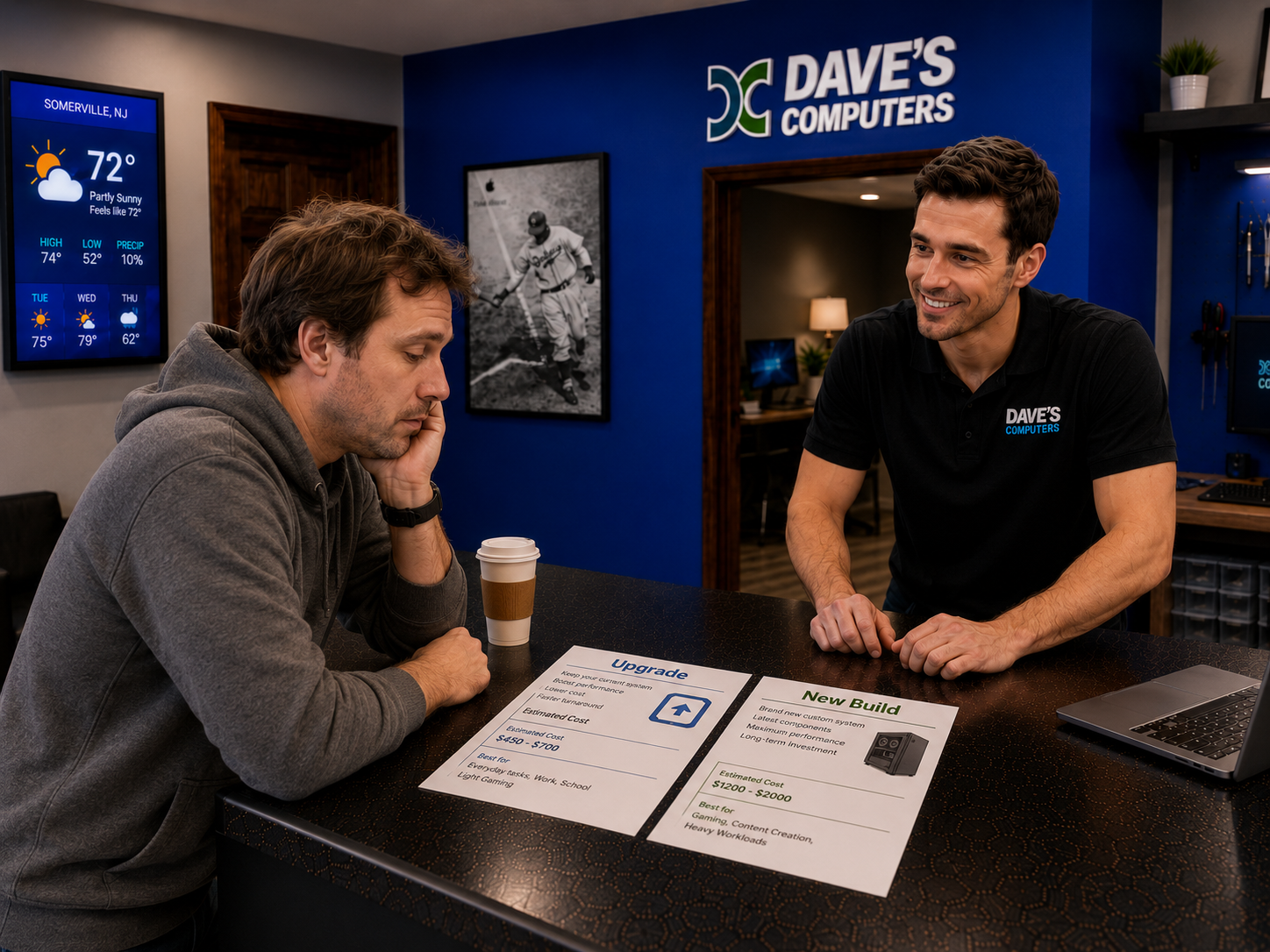
That $1,500 Build From 2024 Is Now $2,500+.
AI chip demand has done something nobody predicted. It pulled GPU and memory prices to levels that would have seemed like a prank two years ago. Before you decide to build new, you need to see these numbers.
A solid gaming/workstation build that cost roughly $1,400–$1,500 in 2024 now costs $2,500–$3,000+ for the same spec. Before you start buying parts, stop and ask whether upgrading what you have makes more sense. If you're targeting a specific game like Baldur's Gate 3, CS2/Valorant, or WoW/FFXIV, a targeted upgrade is often all you need, not a whole new machine. See everything we upgrade (SSD, RAM, graphics cards and more) on our PC upgrade service page.
In Most Cases Right Now, Upgrade First.
With prices where they are, replacing a capable platform piece-by-piece just doesn't pencil out. Here's when each decision actually makes sense.
Stick with what you have and upgrade it when…
A full new build makes sense when…
Watch Out for the "One More Part" Trap
This is one of the most expensive mistakes PC owners make, and it's easier to fall into than you'd think.
How $200 Becomes $1,800 Without a Plan
It starts with "I'll just upgrade the RAM." Then the RAM reveals the SSD is the bottleneck, so you add an NVMe. Then the NVMe helps but the GPU is now obviously holding everything back, so you upgrade that. Then the old CPU is struggling with the new GPU so you upgrade that, which means a new motherboard. Which means new RAM again because the socket changed.
Two years later you've spent $1,800 in random upgrades and you're still on a patchwork machine that never quite performs like a fresh build would have. This isn't upgrading. This is throwing money at a moving target.
The fix is simple: before you buy a single part, get a plan. Dave will look at your machine, tell you the one or two upgrades that will actually move the needle, and tell you honestly if you're getting close to the point where a new build is the smarter spend.
Ask Yourself These 5 Questions Before You Spend Anything
Run through this quick checklist. If you're mostly in the green column, upgrade. Mostly red: it might be time to talk about a new build.
Is your PC less than 6 years old?
A 2019 or newer machine with a solid CPU still has viable upgrade paths. A 2017 or older machine is running out of road.
Does your motherboard support faster RAM or a better CPU?
If there's a faster CPU your board can take, that upgrade alone can be game-changing. I check your exact board as part of the consultation.
Are you still running a hard drive or SATA SSD as your main drive?
Swapping a spinning hard drive for an NVMe SSD is the single biggest "new computer" feeling you can get without buying a new computer. It's that dramatic.
Is your CPU the bottleneck, or is it just one other thing?
If the CPU is fine but the GPU or RAM is the weak link, a targeted upgrade is the play. If the CPU is the problem AND there's no upgrade path, that's a different conversation.
Have you already upgraded multiple parts without much improvement?
If you've added RAM, a new SSD, and a GPU and you're still frustrated. The CPU and platform are probably the ceiling. At that point it's a conversation.
Stop In for Dave's Free Opinion on the Best Speed Boost
Bring your machine, or just describe what's going on. Dave will tell you honestly whether a targeted upgrade is the right call, what that upgrade should be, and what it'll actually cost. No upsell. No pressure. Just a straight answer.
Here's What You Get
Dave looks at your machine, or listens to what's slow, and tells you: the one or two upgrades most likely to make a real difference, a realistic price for each, and his honest opinion on whether upgrading makes more sense than building new right now. That's it. Completely free.
Before & After: Real Builds, Real Results
Two actual upgrade jobs from our Somerville shop. No new machine. Just the right parts in the right places.