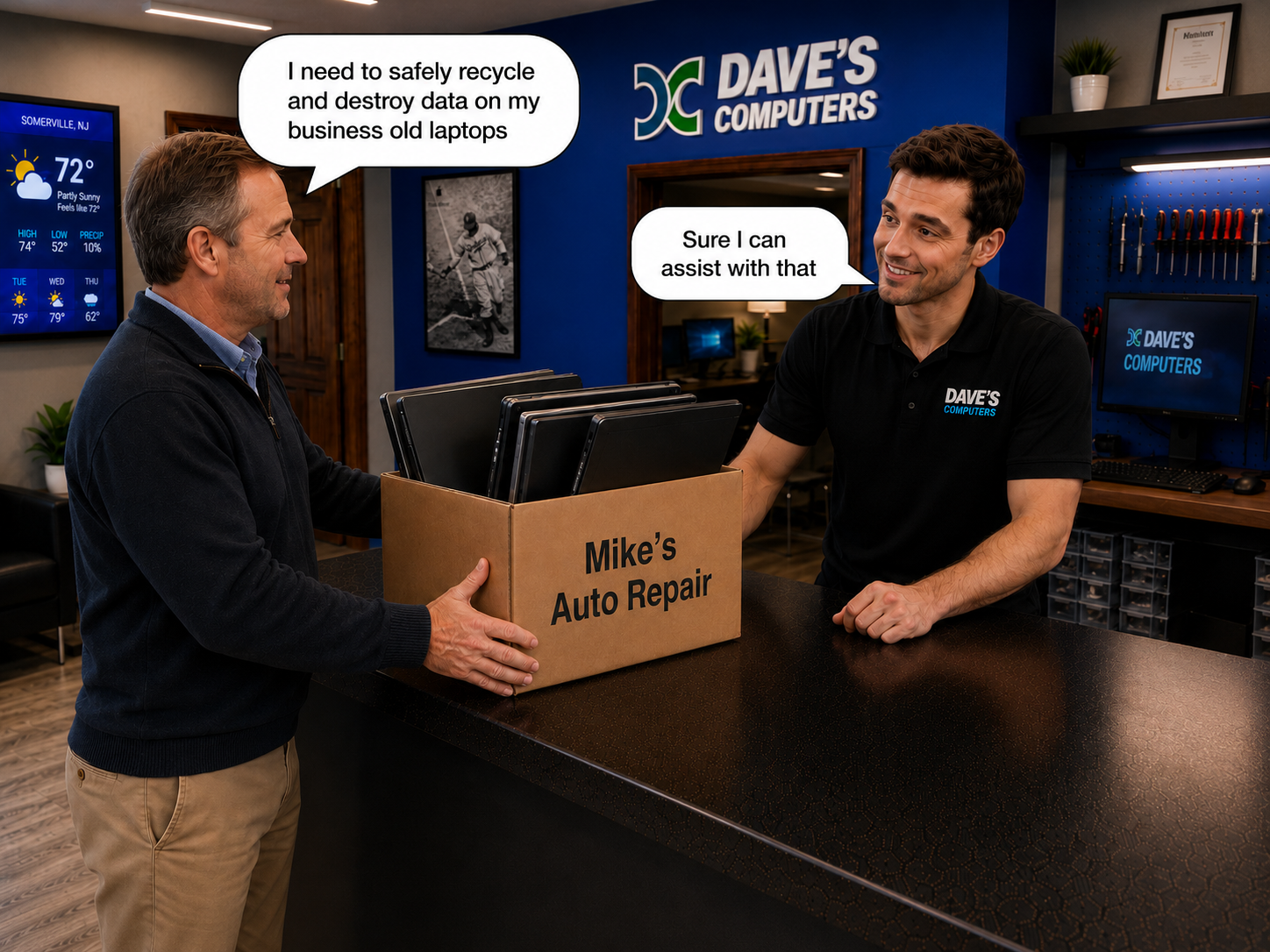
Free recycling
isn’t free.
You pay with your data.
Most “free” recyclers never wipe the drive before disposal. We do, and we destroy the data on it before anything leaves the shop.
Two options. No surprises.
Bringing in the whole computer is the best value. We handle the drive and the rest of the machine. Both prices are what you pay us; we do not pay for or buy used equipment.
- Hard drive removed, wiped, and destroyed
- Rest of the machine responsibly recycled
- Help unloading from your car
- Data destruction done in-shop
- Data on the drive destroyed
- Data destruction done in-shop
- Machine recycling not included
Your old computer knows more about you than your best friend.
Even after you think you've deleted everything, a person with the right software can pull most of it back in under an hour.
Saved passwords
Every site your browser remembered. Email, banking, Amazon, healthcare portals.
Bank & credit card info
Auto-filled card numbers, online banking sessions, statements you downloaded.
Tax returns & SSN
PDFs from TurboTax, W-2s, 1099s. Everything a scammer needs to open credit in your name.
Family photos & videos
Decades of memories, including photos of children and grandchildren.
Medical records
Patient portal logins, prescription info, test results, insurance files.
Email conversations
Years of personal and financial emails, including password resets and account info.
Browsing history
Every site you visited, every search you made, a full picture of your habits.
Saved Wi-Fi networks
Your home Wi-Fi password, plus every café, airport, and friend's house you connected to.
Three ways to recycle a computer in NJ.
Only one protects your data.
"Free" municipal recycling
They accept electronics for environmental disposal: that's their job. Drives are not removed, not wiped, and not destroyed. Your computer is tossed in with everyone else's.
- No data wiping
- No one accountable
- Anyone along the way can pull the drive
Hand it over the counter
Your computer disappears into a back room. Part-time associates, some brand new, have physical access. There's no proof anything was done to the drive, and no way to follow up.
- Unknown staff handle your drive
- No accountability for the drive
- You'll never hear what happened to it
The same small team, start to finish
Pull up outside and we'll help bring it in, no lifting, no parking-lot juggling. The same small local team that takes your computer also destroys the data on the drive. No shipping chain, no back-room strangers.
- Data on the drive destroyed
- We help carry it in from your car
- Data destruction done in-shop
What you actually get for your money.
A 10-second glance. No marketing speak.
Here's exactly what the small fee covers.
We'd rather show you the line items than hide behind the word "free."
Actually dealing with your drive
Most "free" options skip this entirely and send your drive off with your data still on it. We destroy the data on the drive before anything else happens.
Destroying the data
The data on the drive is destroyed so that even a determined recovery attempt comes up empty. How we do it is something we go over with you in person, not something we publish.
Questions? Ask in person
Anything you want to know about how the data on your drive is handled, ask at drop-off. We go over it in person rather than publishing it here.
Curbside help with the heavy stuff
We don't do home pickups, but pull up outside and we'll help bring everything in. No lugging a tower across a parking lot.
The same people, start to finish
Our small team handles your machine directly. No anonymous back room, no shipping it off to be sorted by strangers.
A real person on the phone
Questions after the fact? Call the shop. You'll get the same people who handled your computer, not a help-desk ticket number.
Don't lift a thing.
Pull into the parking lot, give Dave a call, and he'll come out to help carry everything in. Trunk to counter: zero heavy lifting on your end.
Consider it his daily fresh air and workout. Everybody wins.
Call from the parking lot 908-428-9558Driving directions to Dave’s from around Central Jersey.
Most people recycling a computer with us drive in from Somerset, Hunterdon, Middlesex, Morris and Union counties. Here’s roughly what the trip looks like from a dozen common starting points, so you know what you’re in for before you load the car.
From Bridgewater
Take Route 28 (Union Ave) or Route 202/206 into downtown Somerville. N Bridge St is one block off Main Street.
Directions from BridgewaterFrom Bound Brook
Route 28 west runs straight along the river into Somerville and becomes Main Street. Turn right onto N Bridge St.
Directions from Bound BrookFrom Branchburg
Route 202 north to the Somerville Circle, then Route 28 (W Main St) east into downtown. Left onto N Bridge St.
Directions from BranchburgFrom Hillsborough
Route 206 north over the Raritan River, where it becomes S Bridge St. Stay on Bridge St straight across Main Street.
Directions from HillsboroughFrom Somerset / Franklin
Easton Ave to I-287 north, then Route 22 west to Somerville. Or skip the highway and take Weston Canal Rd / Main St through Manville.
Directions from SomersetFrom New Brunswick
Easton Ave (Route 527) out to I-287 north, then Route 22 west and follow signs for Somerville / Route 28.
Directions from New BrunswickFrom Flemington
Route 202 north the whole way to the Somerville Circle, then Route 28 east into downtown.
Directions from FlemingtonFrom Edison
I-287 north to Route 22 west, then into Somerville. Route 28 west through Bound Brook works too if 287 is backed up.
Directions from EdisonFrom Westfield
Route 22 west all the way to Somerville, then Route 28 / Main Street into downtown.
Directions from WestfieldFrom Princeton
Route 206 north through Rocky Hill and Hillsborough. It crosses the Raritan into Somerville as S Bridge St; keep going straight to N Bridge St.
Directions from PrincetonFrom Morristown
I-287 south to Exit 17 (Route 202/206 south), then follow Route 202/206 into Somerville.
Directions from MorristownFrom Trenton
Route 1 north toward Princeton, then Route 206 north through Hillsborough straight into Somerville.
Directions from TrentonTimes are typical drives outside rush hour. Hours are Monday to Friday 10 to 5 and Saturday 9 to 2. Coming with more than a few machines? Call 908-428-9558 first so we can confirm there’s room.
What we take, and what we don’t.
Computer recycling here is a courtesy service built around our real job: secure data destruction. We’re a small repair shop in downtown Somerville, not a bulk e-waste processor, so a few honest ground rules.
Computers & drives
- ✓Desktop computers & towersDell, HP, Lenovo, custom builds, working or dead. $25 each, hard drive handled start to finish.
- ✓Laptops & MacBooksAny brand, any condition. Laptop recycling works exactly like desktops: the data on the drive destroyed, the rest responsibly recycled.
- ✓Bare hard drives & SSDsSecure hard drive disposal is $25 per drive. Drop-off and pick-up; destruction while you wait is a $50 surcharge, and removing a drive from a computer is an additional labor fee quoted at drop-off.
Everything that isn’t a computer
- ✗Monitors & TVsYour county’s free electronics recycling program takes these, New Jersey law requires it.
- ✗Printers, scanners & office machinesNo hard drive, no data risk, no reason to pay us. County e-waste drop-off handles them free.
- ✗Anything with residue, odors, or water damageThis one’s firm. See below.
Bringing 5 or more desktops?
Call or text photos to 908-428-9558 before you load the car, especially if the hard drives are already pulled. We’ll confirm there’s room before you make the trip. Office cleanouts and truckload quantities are more than our small shop can physically take in.
Clean & dry, please.
Old, dead, dusty, half-disassembled, all normal, all welcome. But machines with residue, strong odors, signs of pests, or water damage will be politely declined. One infested tower in a working repair shop becomes every customer’s problem. Your county recycling center is set up to handle those.
Computer recycling in New Jersey: what people ask us.
The same questions come up at the counter every week. Here are the honest answers.
Where can I recycle a computer near me in New Jersey?
Right here. Dave’s Computers is a drop-off computer recycling center at 75 N Bridge St in Somerville, NJ, behind the Bank of America. Folks bring old desktops and laptops from Bridgewater, Raritan, Branchburg, Hillsborough, Somerset, and all over Central New Jersey. Every machine has the data on its hard drive destroyed before the rest is responsibly recycled. No appointment needed for one to four computers, just come in during shop hours.
Do I need to wipe my computer before recycling it?
No. That’s the whole point of bringing it to us. Deleting files, emptying the trash, even reformatting doesn’t actually erase a drive; the data is still sitting there for anyone with recovery software. We destroy the data on the drive, so there’s nothing left to recover and nothing for you to figure out.
Can I wait while the drive is destroyed?
The standard service is drop-off and pick-up, not while-you-wait. If you need the drive destroyed in front of you before you leave, that's a $50 surcharge on top of the per-drive price. Call ahead so we can set the time aside. If a drive has to come out of a computer first, that's an additional labor fee, quoted at drop-off.
Can I drop off just a hard drive?
Absolutely. Secure hard drive disposal is $25 per drive, drop-off and pick-up. Need it done while you wait? That's a $50 surcharge; call ahead. Old drives from upgrades, dead external drives, the shoebox in the closet. Bring them all.
How do you destroy the data on the drive?
We don't publish the method. What we'll say here is that the data on every drive is destroyed right here in the shop, by the same small team you handed it to, and that deleting or formatting leaves data recoverable while what we do does not. Ask at drop-off and we'll walk you through it in person.
Do you take monitors, printers, or TVs?
No. Computers, laptops, and hard drives only. New Jersey’s Electronic Waste Management Act bans TVs, monitors, and computers from the regular trash, and the same law funds free county e-waste recycling for them. Somerset County’s free e-waste drop-offs take monitors, TVs, printers, and scanners, no charge for residents. We stick to the part that actually puts you at risk: the data.
I have five or more old desktops. Can I just show up?
Please call or text first, 908-428-9558, ideally with a couple of photos of what you’ve got. Recycling is a courtesy service and we’re a small shop, so we need to make sure there’s room before you load the car. That goes double if the hard drives are already removed.
What condition does the equipment need to be in?
Clean and dry. Old, dead, or half-taken-apart is completely fine. That’s most of what comes through the door. What we can’t accept is anything with residue, strong odors, signs of pests, or water damage; those need to go to your county recycling center instead. We’re a working repair shop full of customer equipment, and we have to protect it.
What’s the safest way to dispose of an old laptop?
Bring it in whole. Don’t try to pull the drive yourself, and don’t donate or toss it with the storage still inside. Laptop disposal here works exactly like desktops: $25 per machine, the data on the drive destroyed, the rest responsibly recycled. MacBooks and PC laptops, any brand, working or dead.
Why pay for recycling when the town takes computers for free?
Because free recycling doesn’t touch your data. Municipal e-waste programs are an environmental service. Drives are not removed, wiped, or destroyed. Our fee covers the part that actually protects you: pulling the drive and destroying the data on it. The recycling of the rest of the machine is the courtesy on top.