On Our Bench: Dell XPS 8900 Gets a Second Life With a Hard Drive to SSD Clone (NJ)
A real repair from the bench at Dave's Computers in Somerville, NJ. This Dell XPS 8900 runs special software on Windows 10, so instead of replacing it, we moved everything to a solid state drive and kept every program working exactly as before.
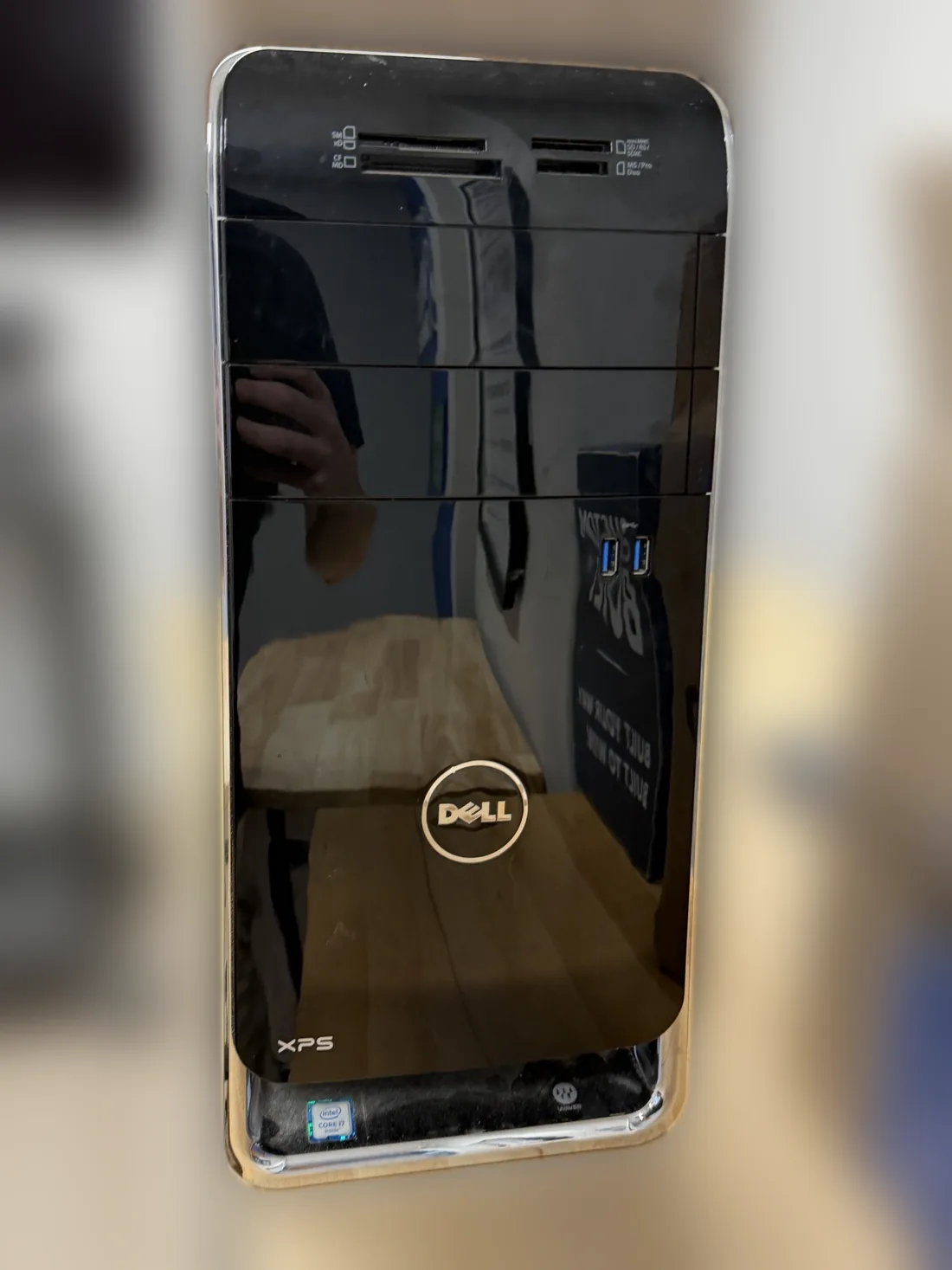
What came in
A customer brought in their Dell XPS 8900 desktop. For an older computer like this, we normally recommend a new PC. This one is different: it runs special software on Windows 10 that the customer depends on, so the easiest and smartest option was to keep the computer and upgrade it to a solid state drive.
Why the clone has to be done right
When we clone a drive, the computer does not even question the new one. Windows and every program carry on as if nothing changed. We regularly see computers from other shops, or from people who tried cloning themselves, where programs will not open afterward. That happens when the clone is not done correctly.
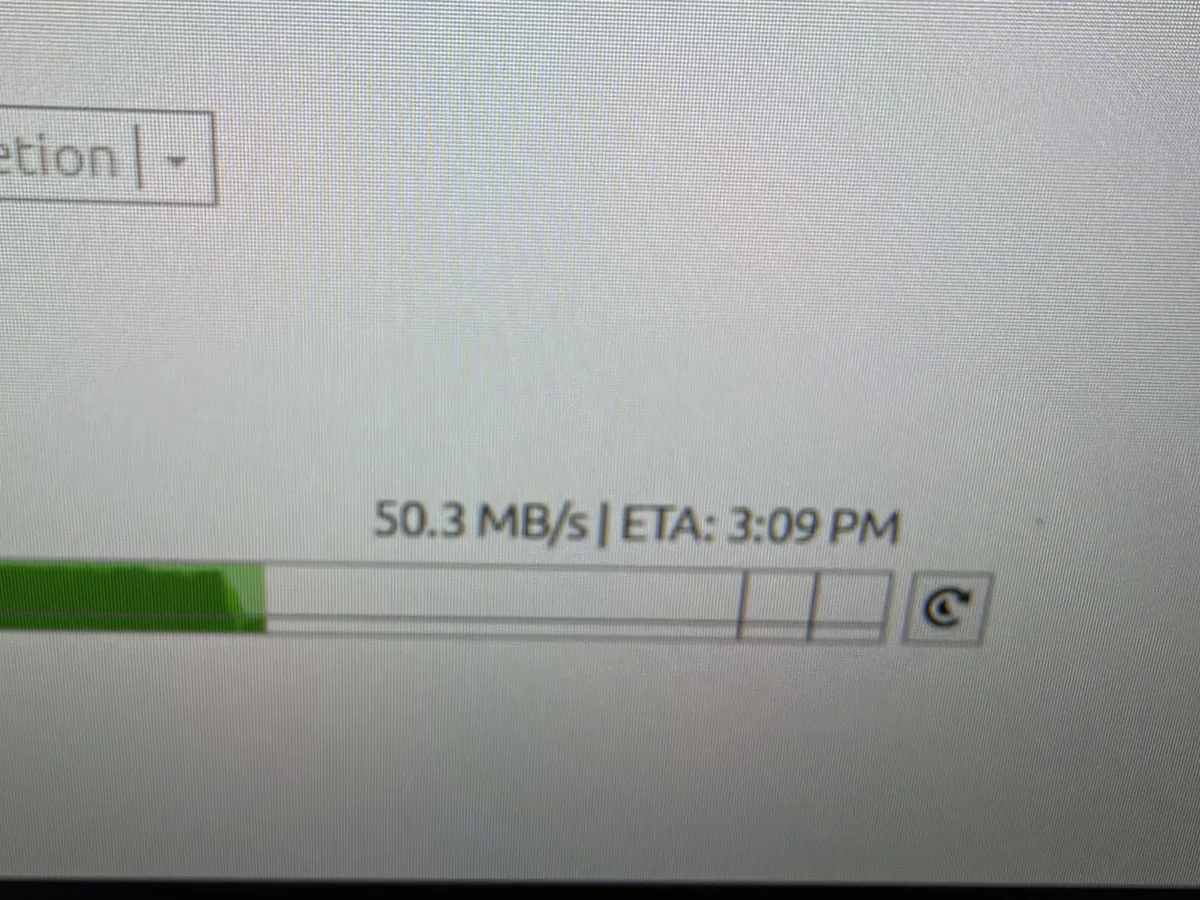
A good clone also has to deal with the old drive itself. In the photo below, you can see the original hard drive's read speed during the clone. It started around 200 MB/s, then dropped to about 65 MB/s and down to 50 MB/s. Drops like that show an aging hard drive slowing down as it works, which is exactly why the copy has to be handled carefully instead of rushed.
What we did
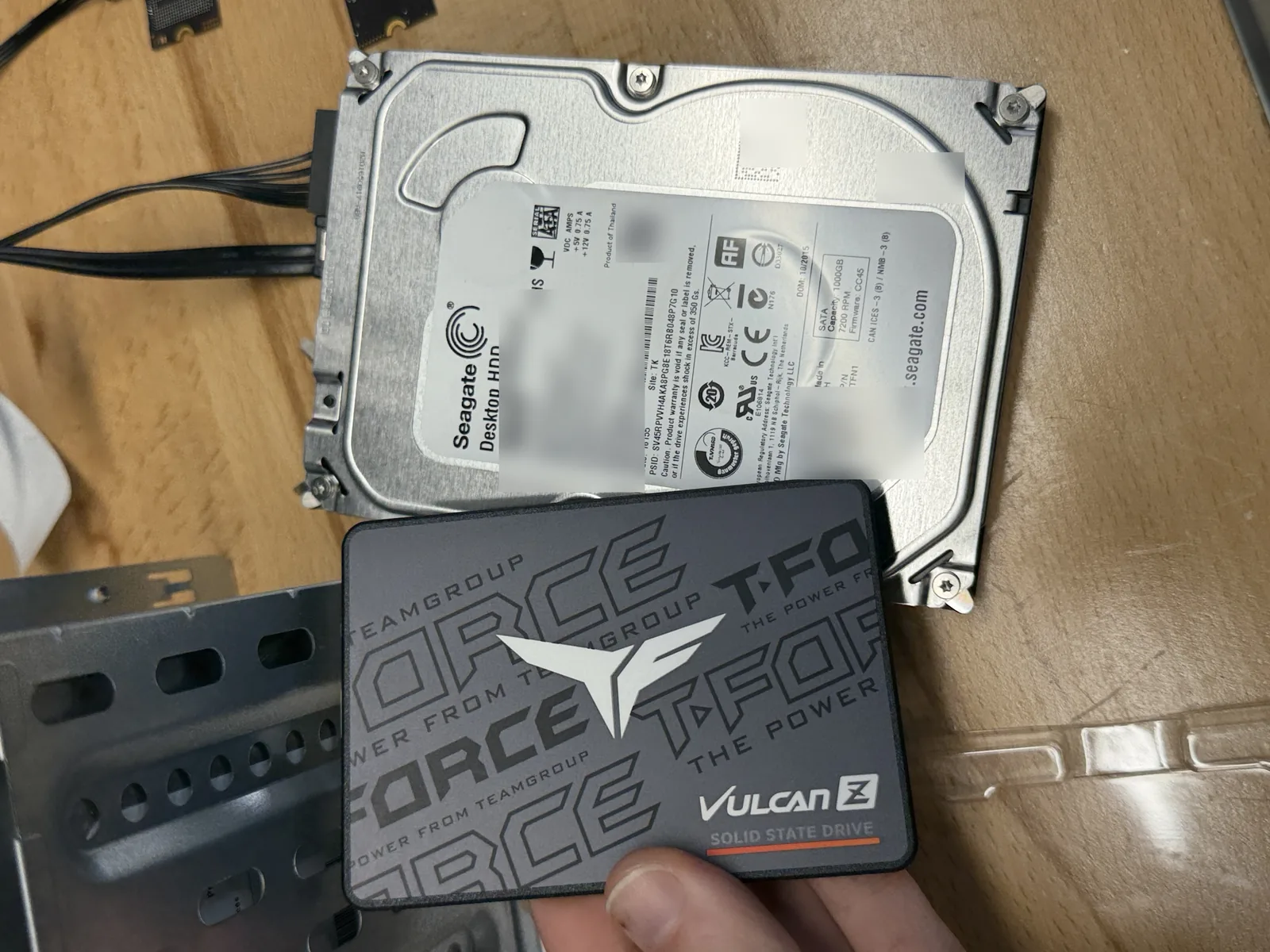
- Cloned the original Seagate 1TB hard drive to a TEAMGROUP T-FORCE Vulcan Z SATA SSD, copying Windows 10, the customer's special software and all their files.
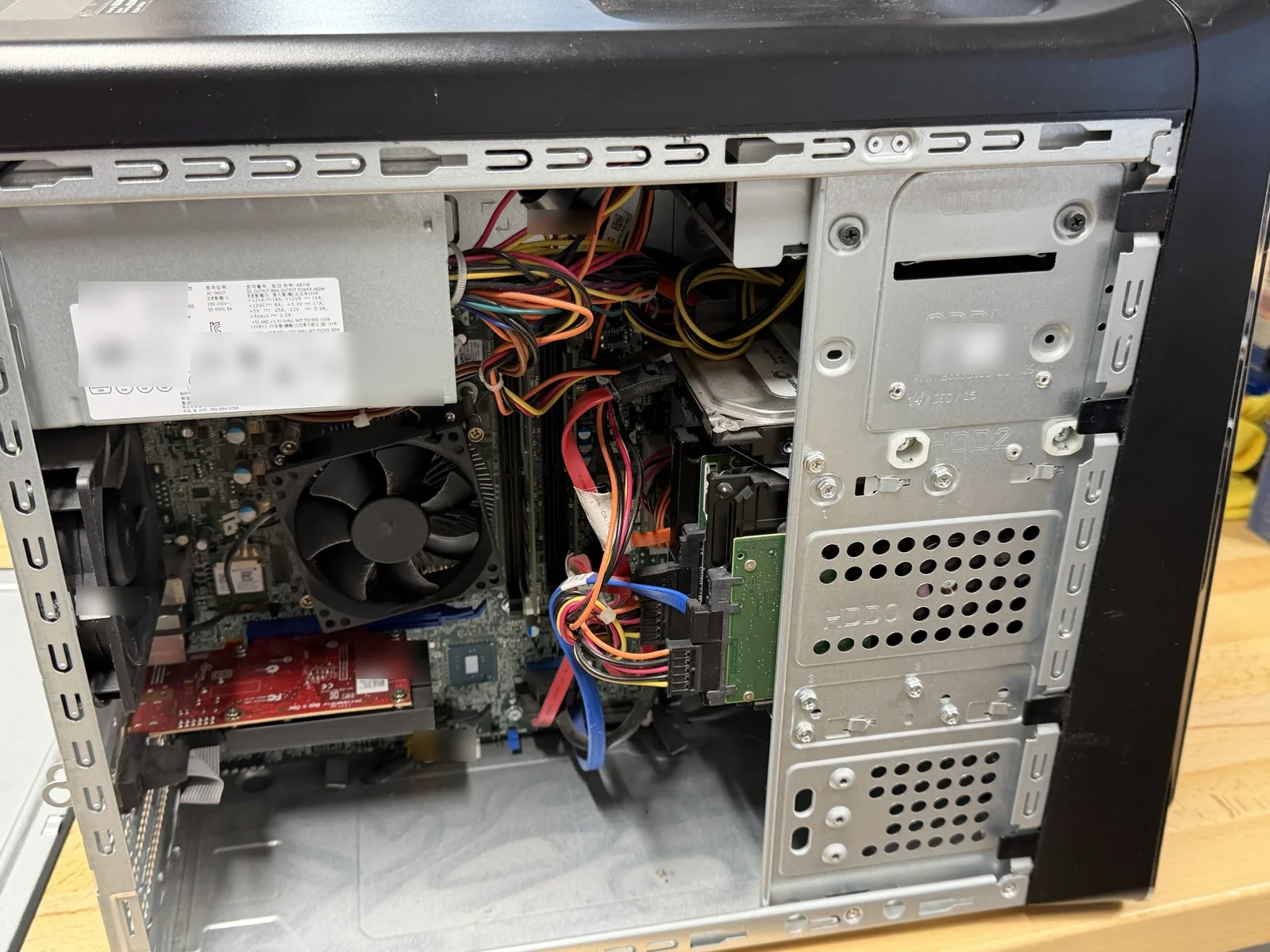
- Installed the SSD in place of the old hard drive.
- Confirmed the computer and every program work the same as before.
The result
This computer never came with a solid state drive, so it will now run faster than it did when the customer first bought it. The upgrade should extend its life by 3 to 5 years, and the customer keeps the exact setup and software they rely on. See our SSD upgrade service for how drive upgrades work at our shop.
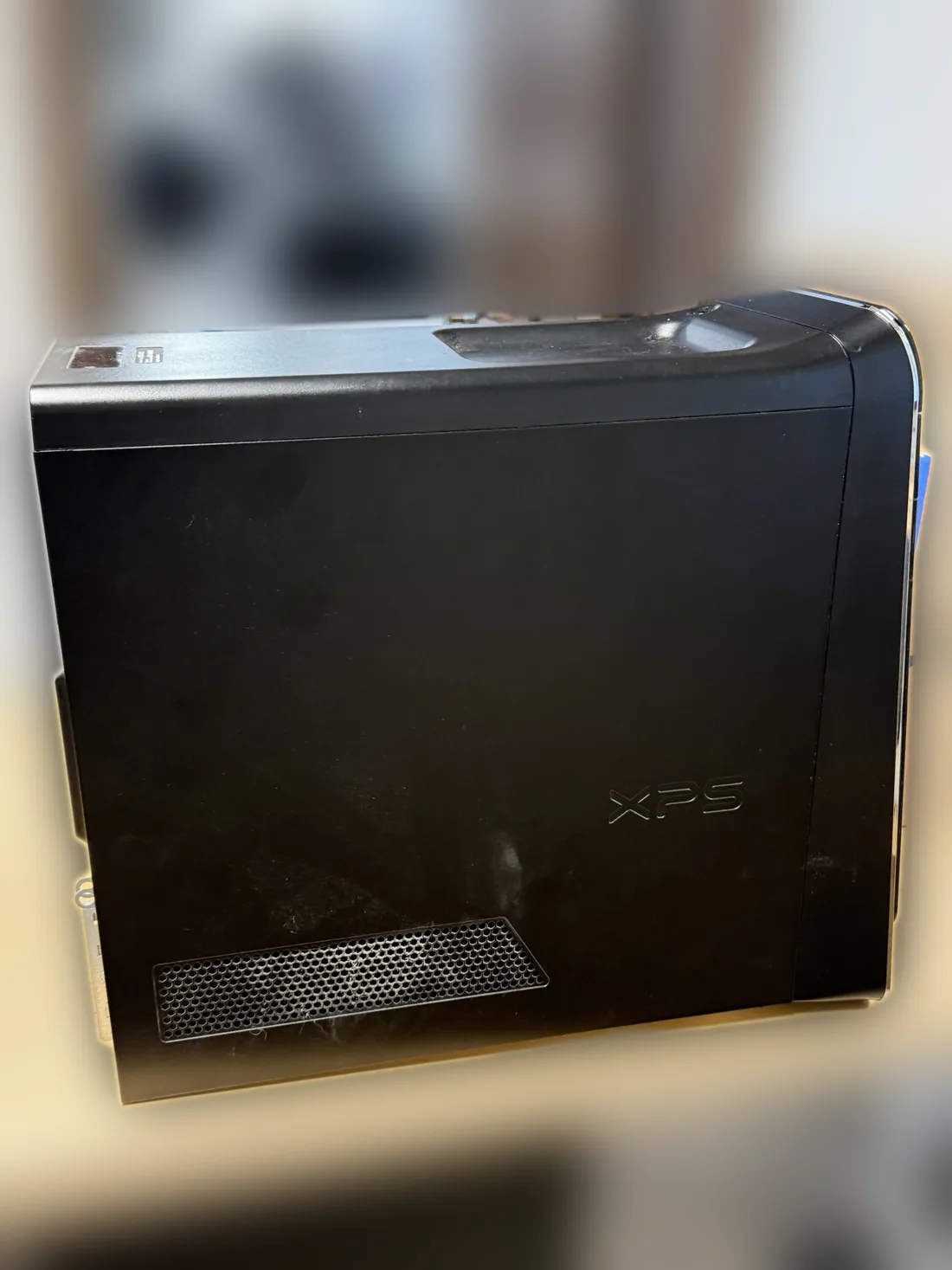
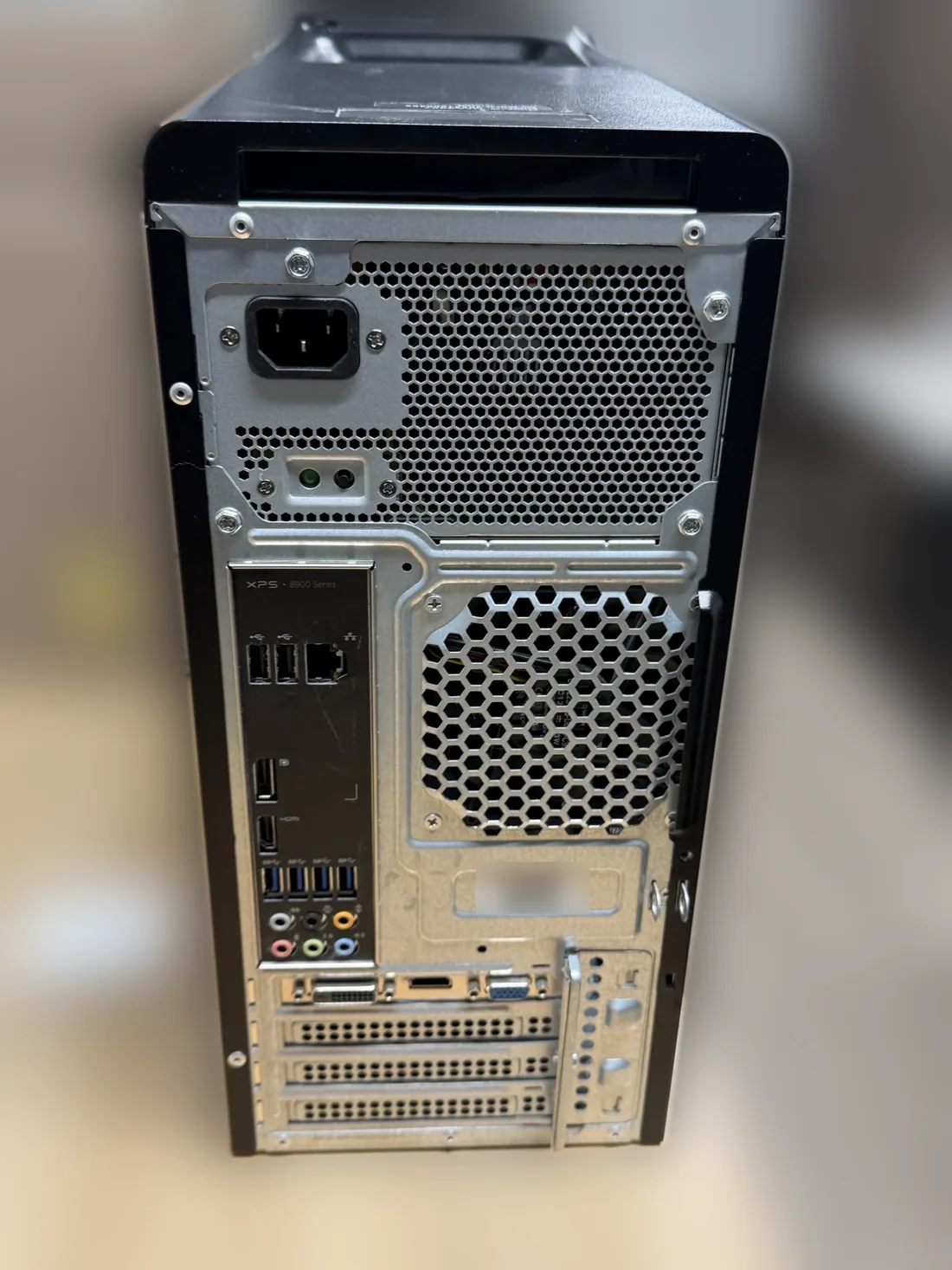
Parts on This Job
The brands and models in this desktop.
| Part | Brand / model | What we did |
|---|---|---|
| Desktop | Dell XPS 8900 | Hard drive to SSD upgrade |
| Processor | Intel Core i7 | No work needed |
| Old drive | Seagate Desktop HDD 1TB (ST1000DM003) | Cloned to the new SSD, then removed |
| New drive | TEAMGROUP T-FORCE Vulcan Z SATA SSD | Installed with Windows 10, programs and files cloned |
| Power supply | Dell 460W | No work needed |
Older PC Running Slow? Bring It to Dave's in Somerville, NJ
We will clone it to a fast SSD the right way, so everything opens just like before, only faster. Call to schedule or send a repair request.
📞 (908) 428-9558