On Our Bench: HP Pavilion 570 With a Loud, Overheating CPU Fan Gets a New Cooler (NJ)
A real repair from the bench at Dave's Computers in Somerville, NJ. An HP Pavilion desktop came in with a CPU fan that was revving loudly, not spinning the way it should, and letting the computer overheat.
What came in
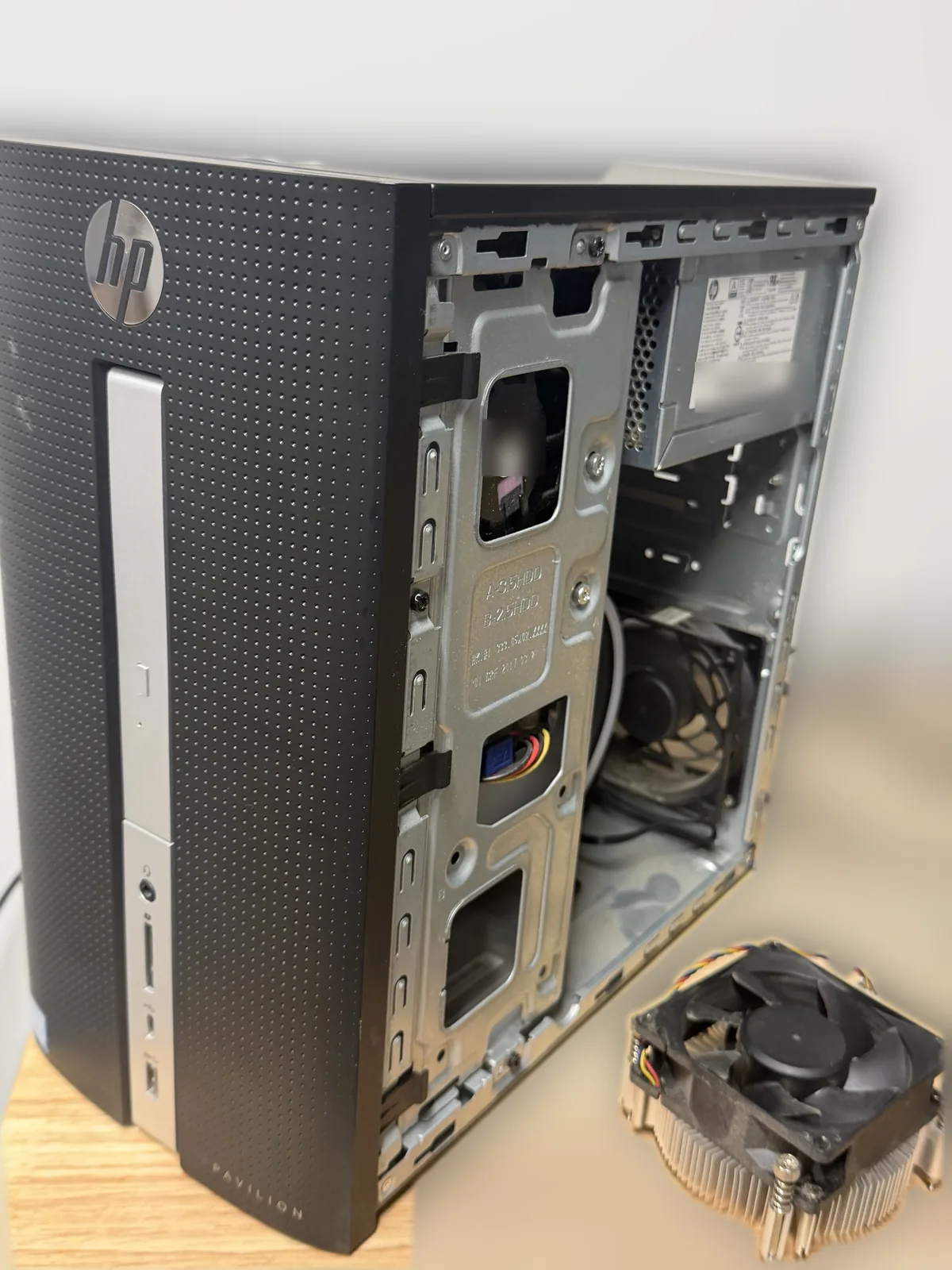
A customer brought in their HP Pavilion 570-p026 desktop. The CPU fan was revving and making noise without spinning properly, and the computer was overheating.
What we found
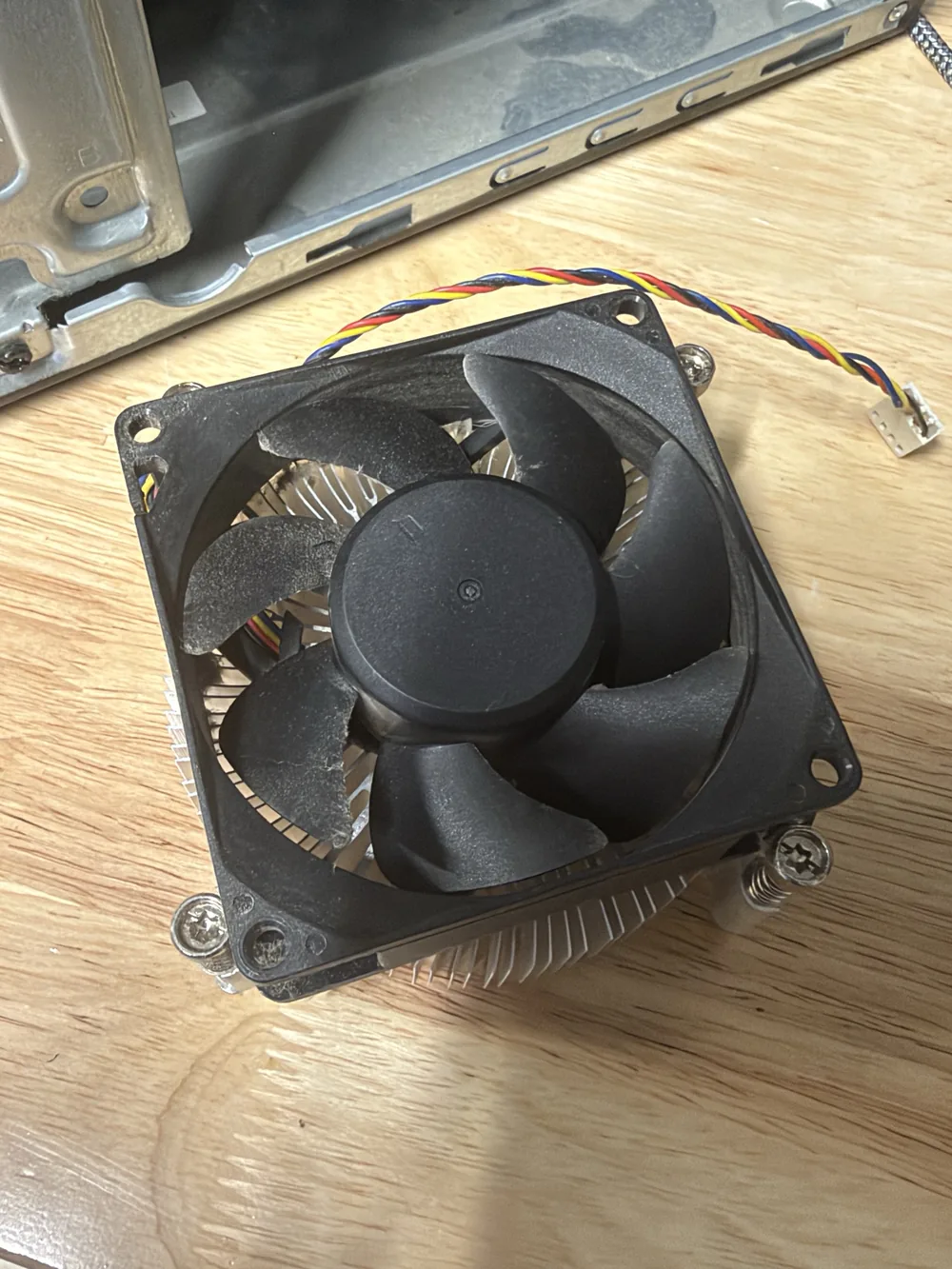
The stock HP CPU fan was on its way out, with dust built up on the blades. This is an older Intel system, and there were not many options for a replacement fan that fits HP's mounting.
What we did
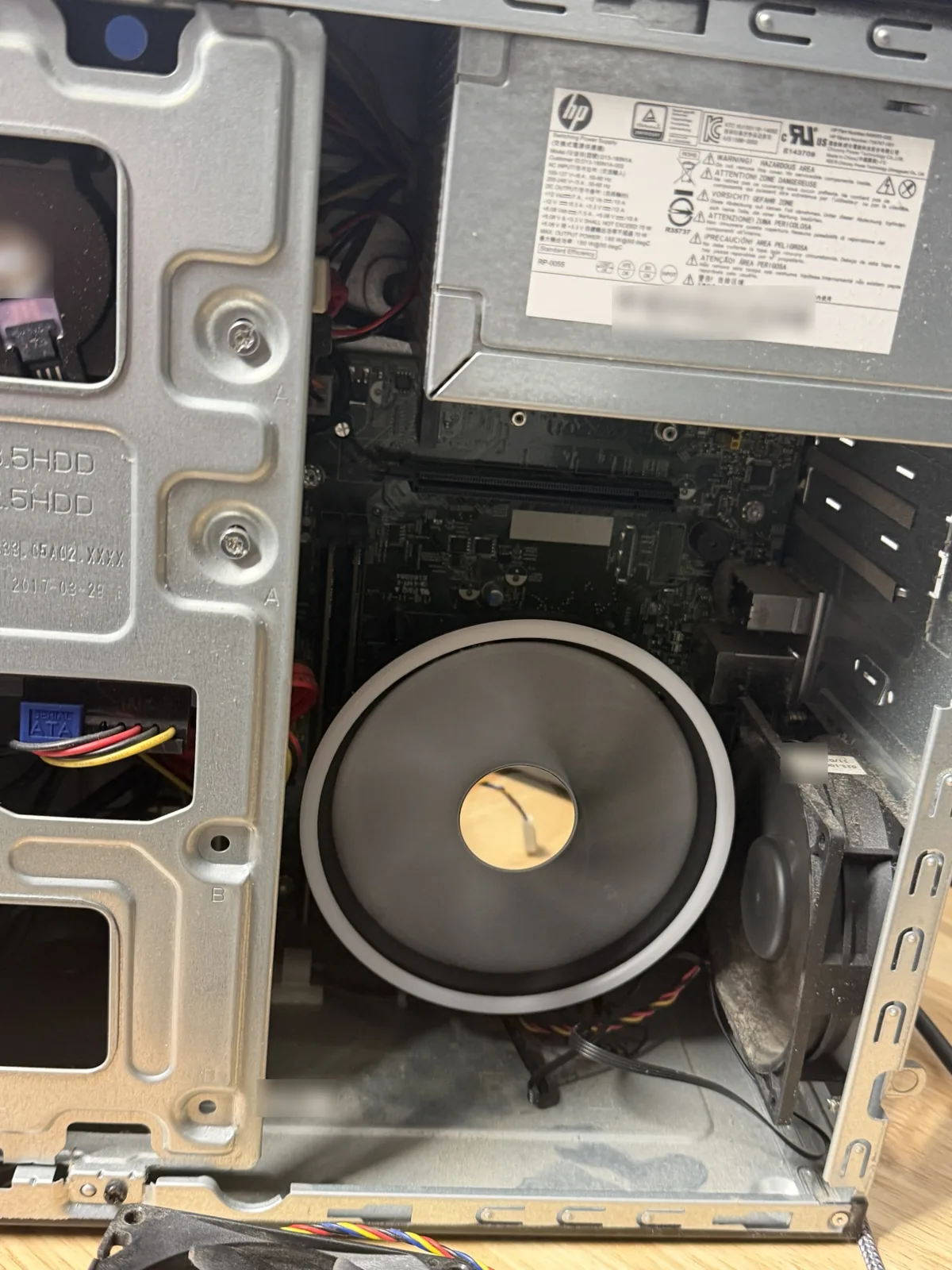
- Installed a new CPU cooler. The replacement is a ridiculously large fan compared to the stock one, but it fits the HP mount perfectly. See our CPU fan and heat sink replacement service.
- Applied new thermal paste between the processor and the new cooler. More on our thermal paste replacement page.
- Cleaned out the dust and checked that everything else inside was in good shape.
- Ran quick checks for malware, as we normally do, in case anything in software was making the processor work harder than it should.
- Ran a quick stress test to make sure the processor was actually being cooled correctly, since a fan that revs and throttles can be a sign the system is overheating.
The result
The computer tested fine. The processor stays cool under load and the PC is no longer overheating.
Parts on This Job
The brands and models in this desktop.
| Part | Brand / model | What we did |
|---|---|---|
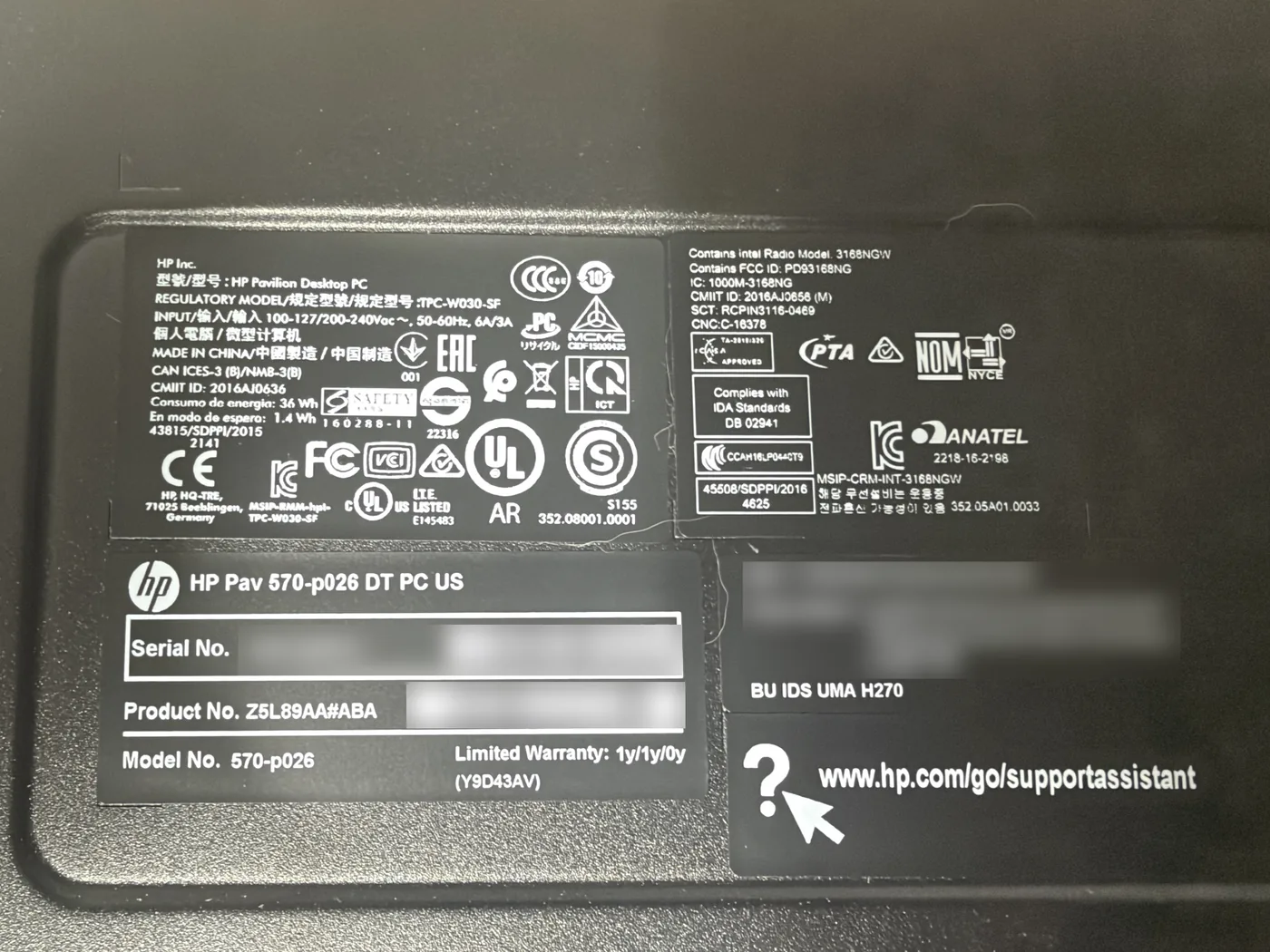
| Desktop | HP Pavilion 570-p026 (HP Pavilion Desktop PC) | Fan replacement, cleaning, malware check and stress test |
| Old CPU cooler | Stock HP CPU fan and heatsink | Failing; removed |
| New CPU cooler | Large replacement cooler fitted to the HP mount | Installed with new thermal paste |
| Chipset | Intel H270 | No work needed |
Loud or Failing Fan? Bring It to Dave's in Somerville, NJ
HP, Dell or any other brand: stop by and we will find the right fan, keep it cool and make sure it is not overheating. Call to schedule or send a repair request.
📞 (908) 428-9558