On Our Bench: Business Lenovo All-in-One Gets a 1TB NVMe SSD Upgrade Without Reinstalling Anything (NJ)
A real repair from the bench at Dave's Computers in Somerville, NJ. A Lenovo all-in-one used for business needed a bigger C drive, without losing a single program, setting or file.
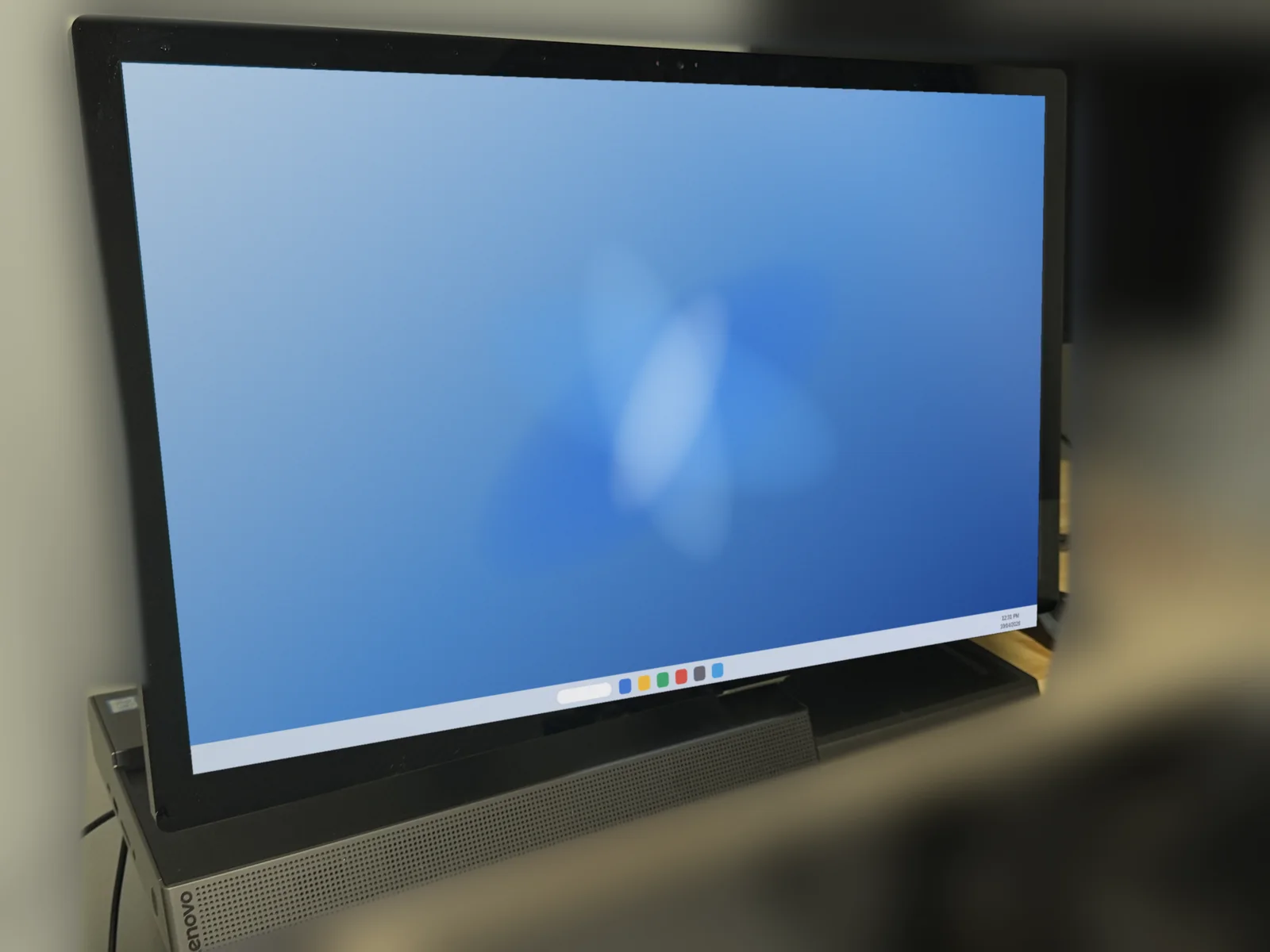
What came in
A customer brought in their Lenovo Yoga A940 all-in-one, a computer they use for business. The C drive, a 256GB NVMe SSD, was simply too small, and they needed more room without starting over on a fresh Windows install.
Why we did not just reinstall Windows
On a business machine, a fresh install means reinstalling every program, re-entering licenses and rebuilding settings. A full sector-by-sector clone copies the drive exactly as it is, so the applications do not get confused and everything opens the way it did before.
What we did
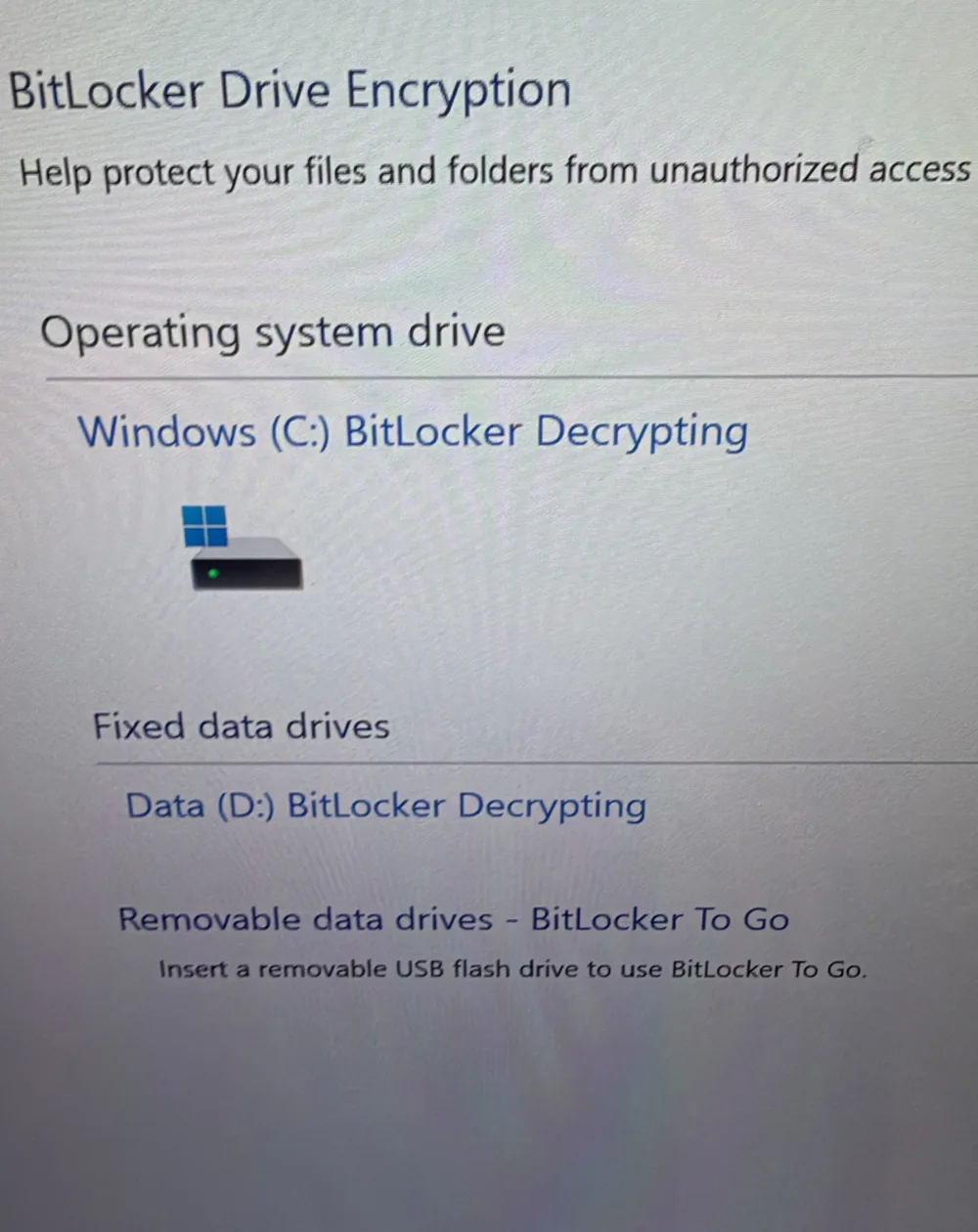
- Decrypted the drives first. Both the Windows (C:) drive and the Data (D:) drive were protected with BitLocker, so we fully decrypted them before touching anything. Encrypted drives need to be decrypted first so the clone copies over cleanly.
- Removed the drives and cleaned out the dust inside the computer while it was open.
- Ran a full sector-by-sector clone from the original 256GB NVMe SSD to a new 1TB NVMe SSD.
- Installed the new drive and confirmed the computer booted up and worked the same as it did before.
The result
The computer boots up the same as it did before, with every program and file right where the customer left it. The C drive went from 256GB to 1TB, so there is a lot more space, and because the new drive is a newer NVMe model, overall speed improved too. See our SSD upgrade service for how drive upgrades work at our shop.
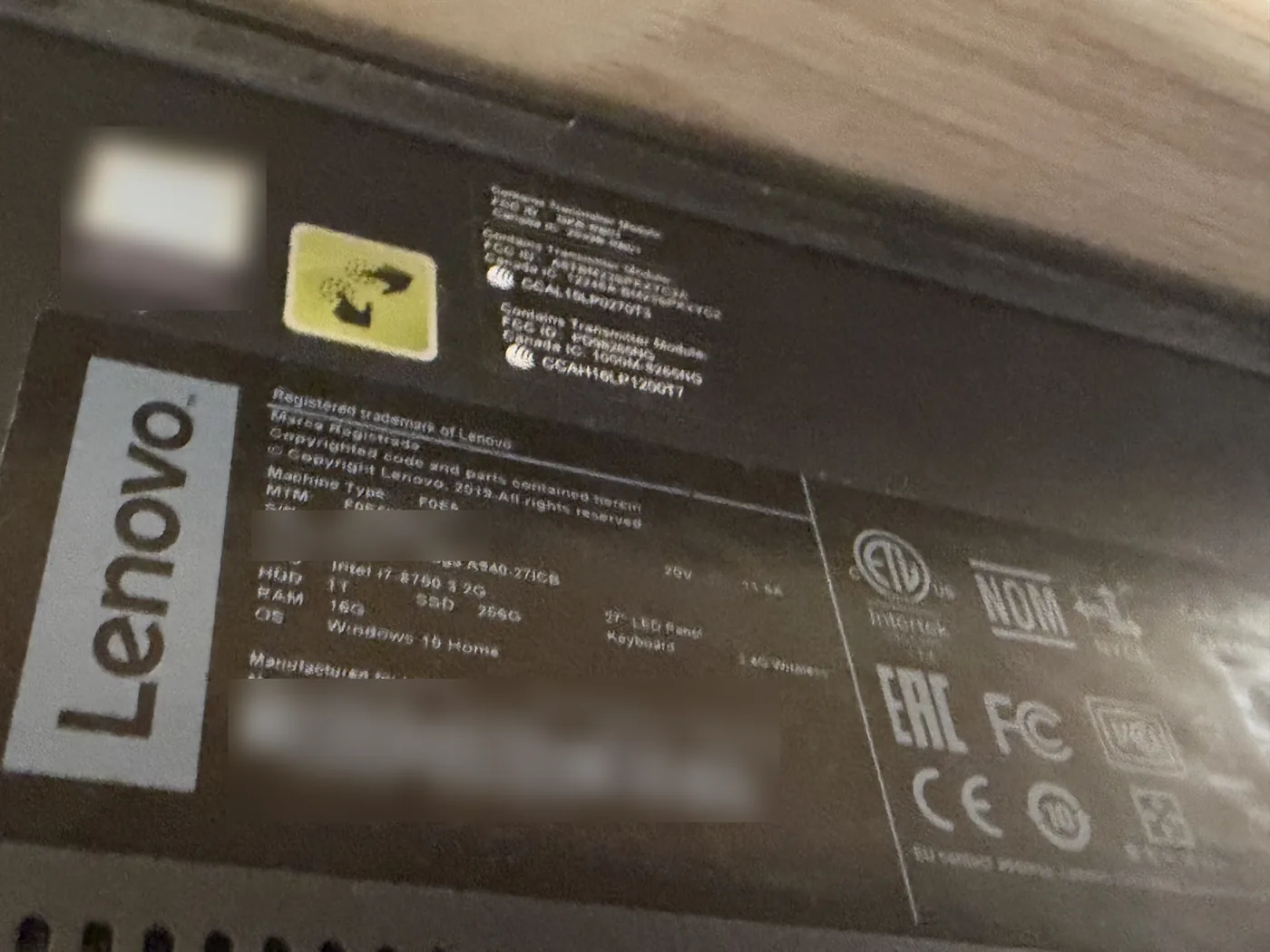
Parts on This Job
The brands and models in this all-in-one.
| Part | Brand / model | What we did |
|---|---|---|
| Computer | Lenovo Yoga A940-27ICB all-in-one (27-inch) | BitLocker decrypted, cleaned, drive upgraded |
| Processor | Intel Core i7-8700 | No work needed |
| Memory | 16GB | No work needed |
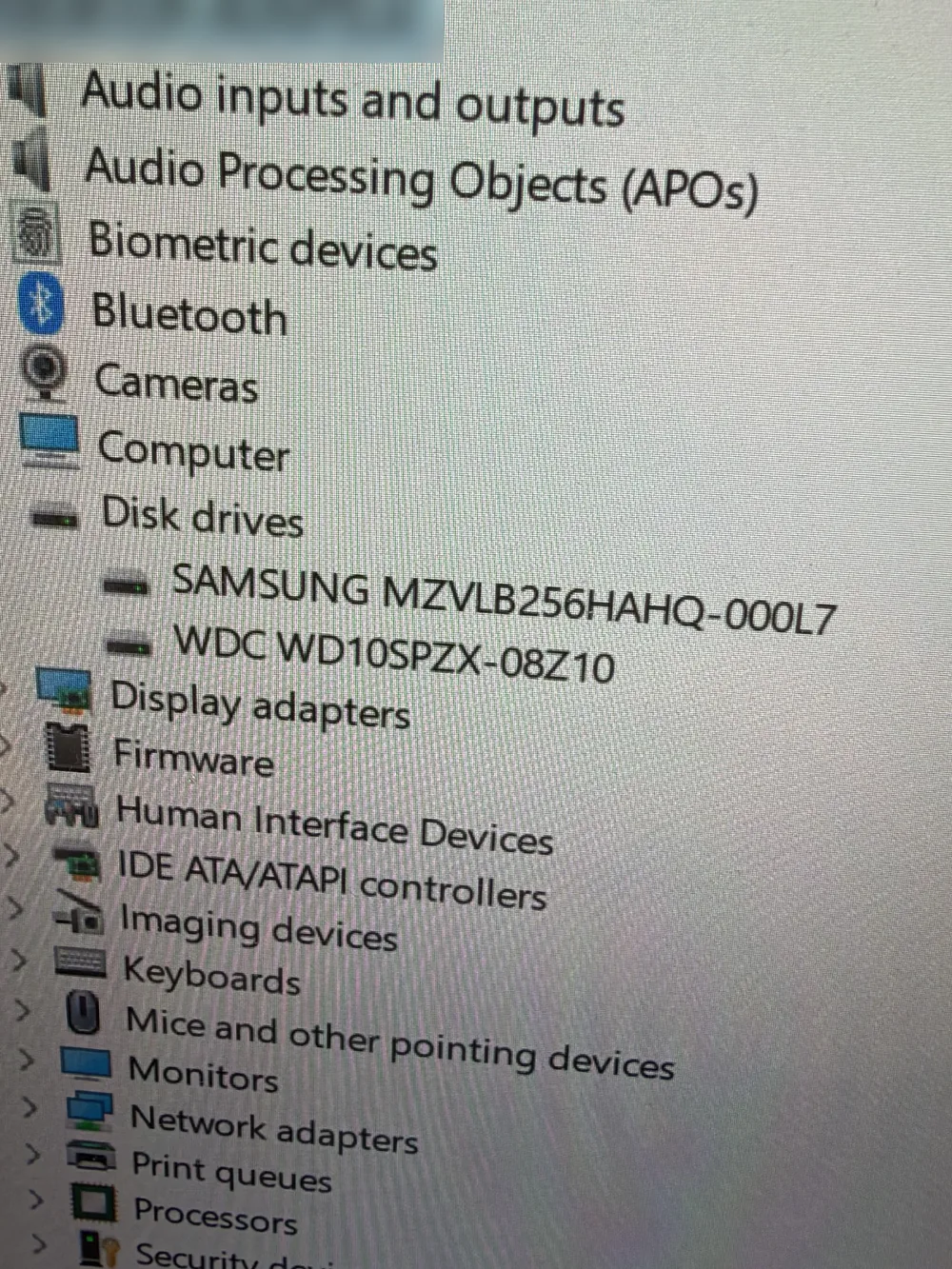
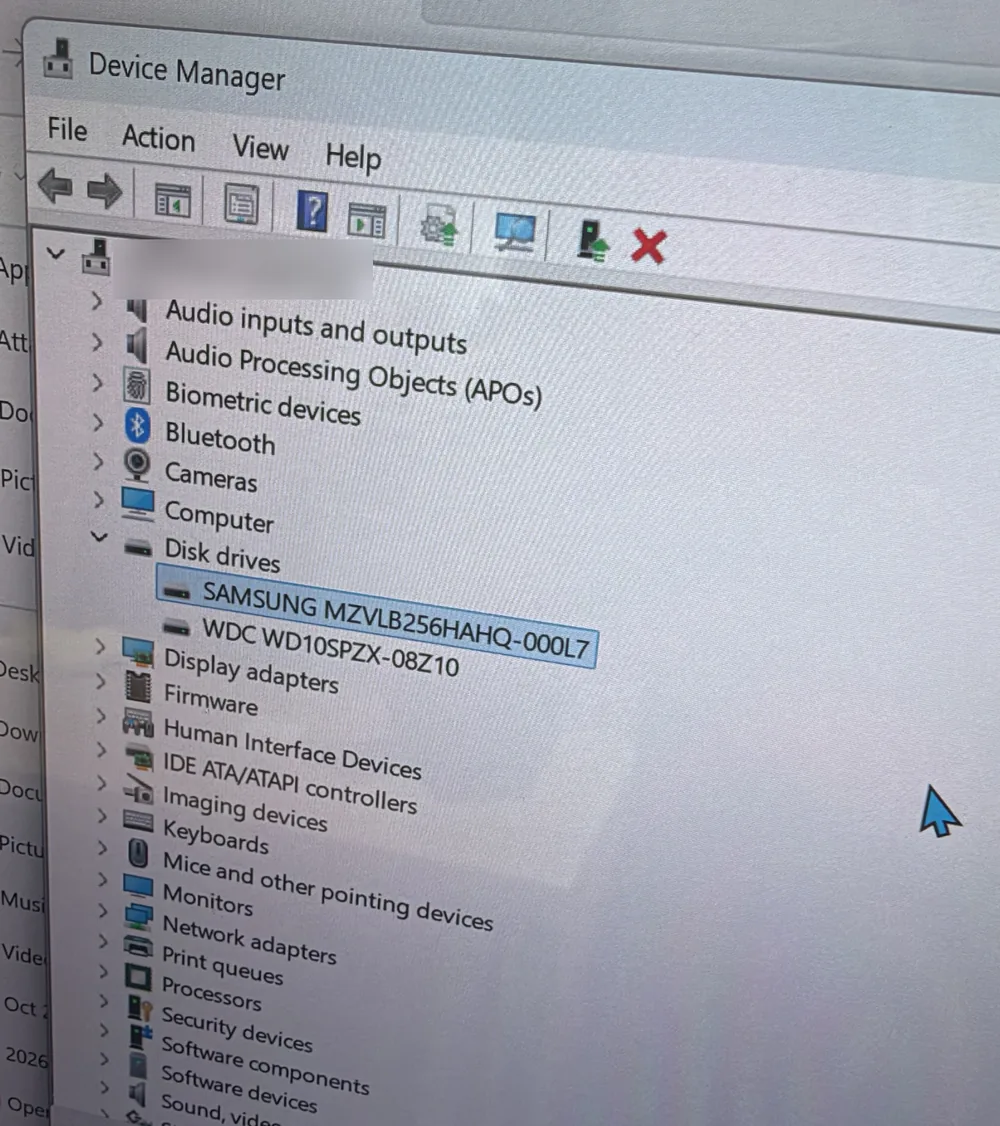
| Old C drive | Samsung MZVLB256HAHQ-000L7 256GB NVMe SSD | Cloned sector by sector, then replaced |
| New C drive | 1TB NVMe SSD | Installed with the cloned Windows, programs and files |
| Data drive | WD WD10SPZX 1TB hard drive | Decrypted; kept in place |
Need More Space Without Starting Over? Bring It to Dave's in Somerville, NJ
We will move everything to a bigger, faster drive and make sure it boots up just like before. Call to schedule or send a repair request.
📞 (908) 428-9558