On Our Bench: MSI Sword 17 Lights Up Its Keyboard, Then Shuts Off (NJ)
A real repair from the bench at Dave's Computers in Somerville, NJ. Not every job ends with a fix. This MSI gaming laptop is a good example of how we test, what the condition of a laptop tells us, and when repair stops making sense.
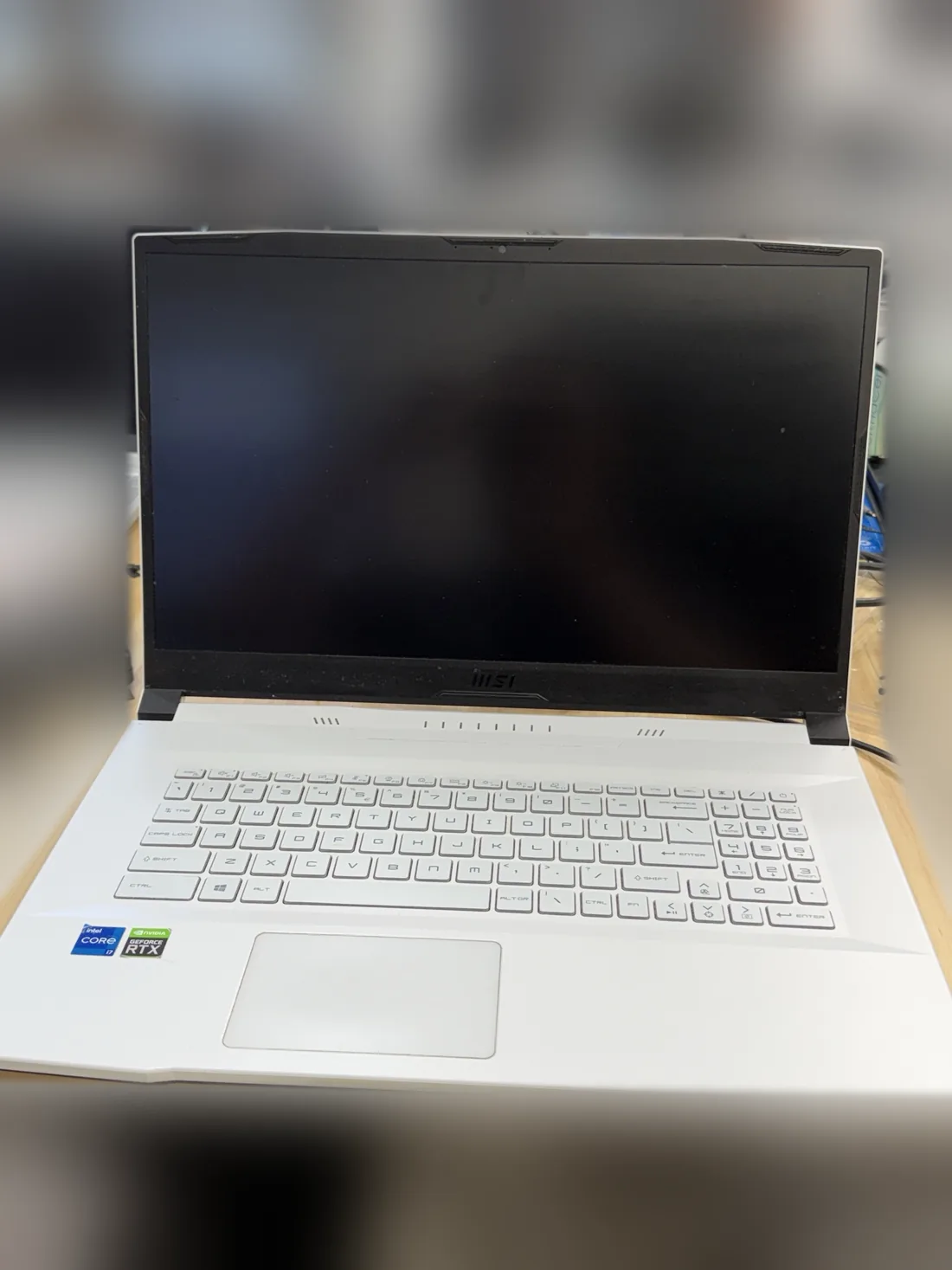
What came in
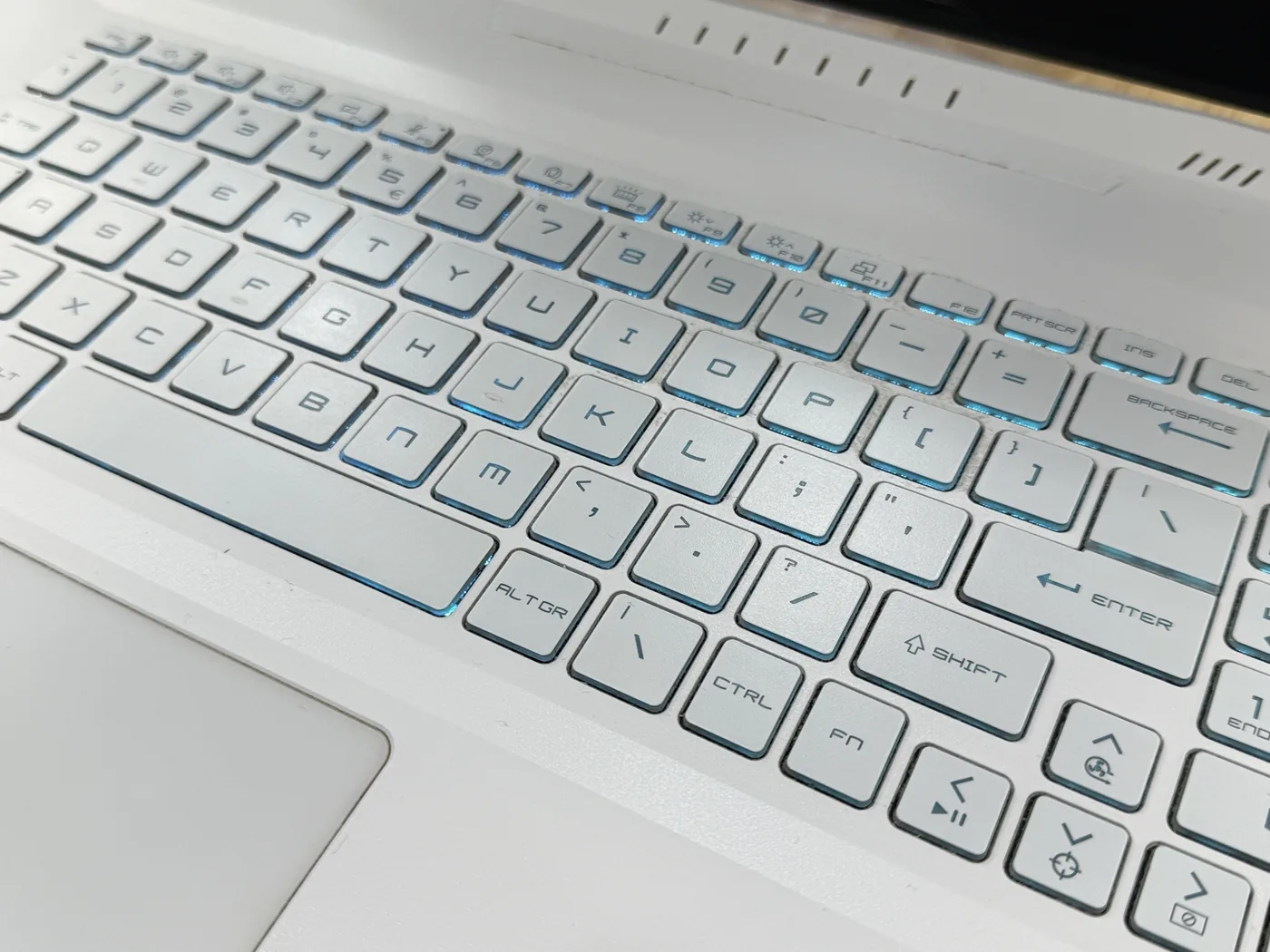
A customer brought in their MSI Sword 17 gaming laptop. When they pressed the power button, only the keyboard lit up, the screen stayed black, and the laptop shut off after about 30 seconds. They told us they had spilled something on it a while ago, but it had kept working fine after that. They had also been having trouble with the keyboard not working right.
How we tested it
- Took the laptop fully apart and even flipped the motherboard to inspect both sides for liquid damage. We found no visible signs of liquid.
- Did a full power reset. The pinhole reset on the bottom of the laptop had already been tried, which works like pulling the battery. We went further: unplugged the internal battery and removed the CMOS battery. No change.
- Tried different memory. We pulled the RAM and tested with known-good memory. Still no signs of life.
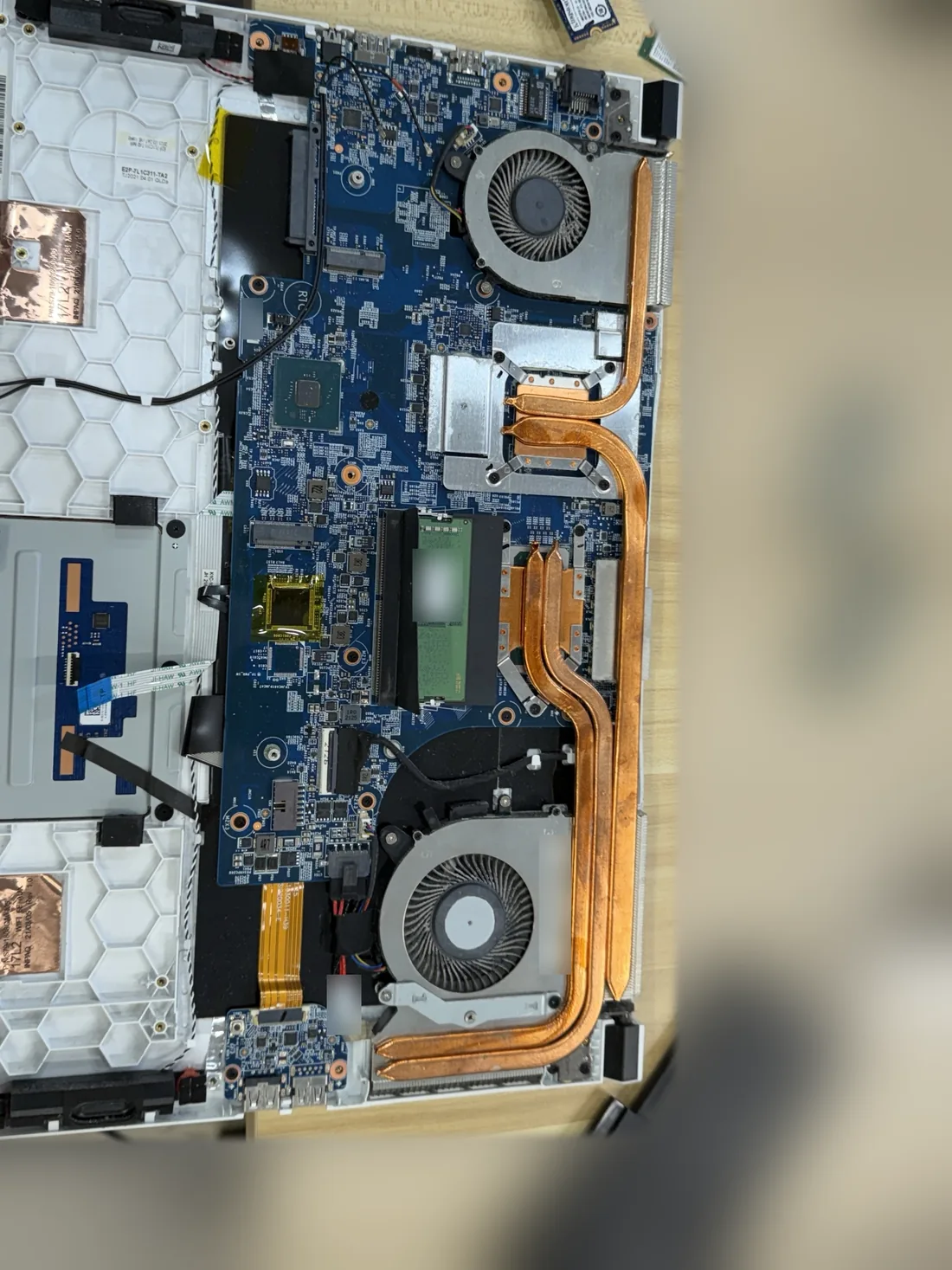
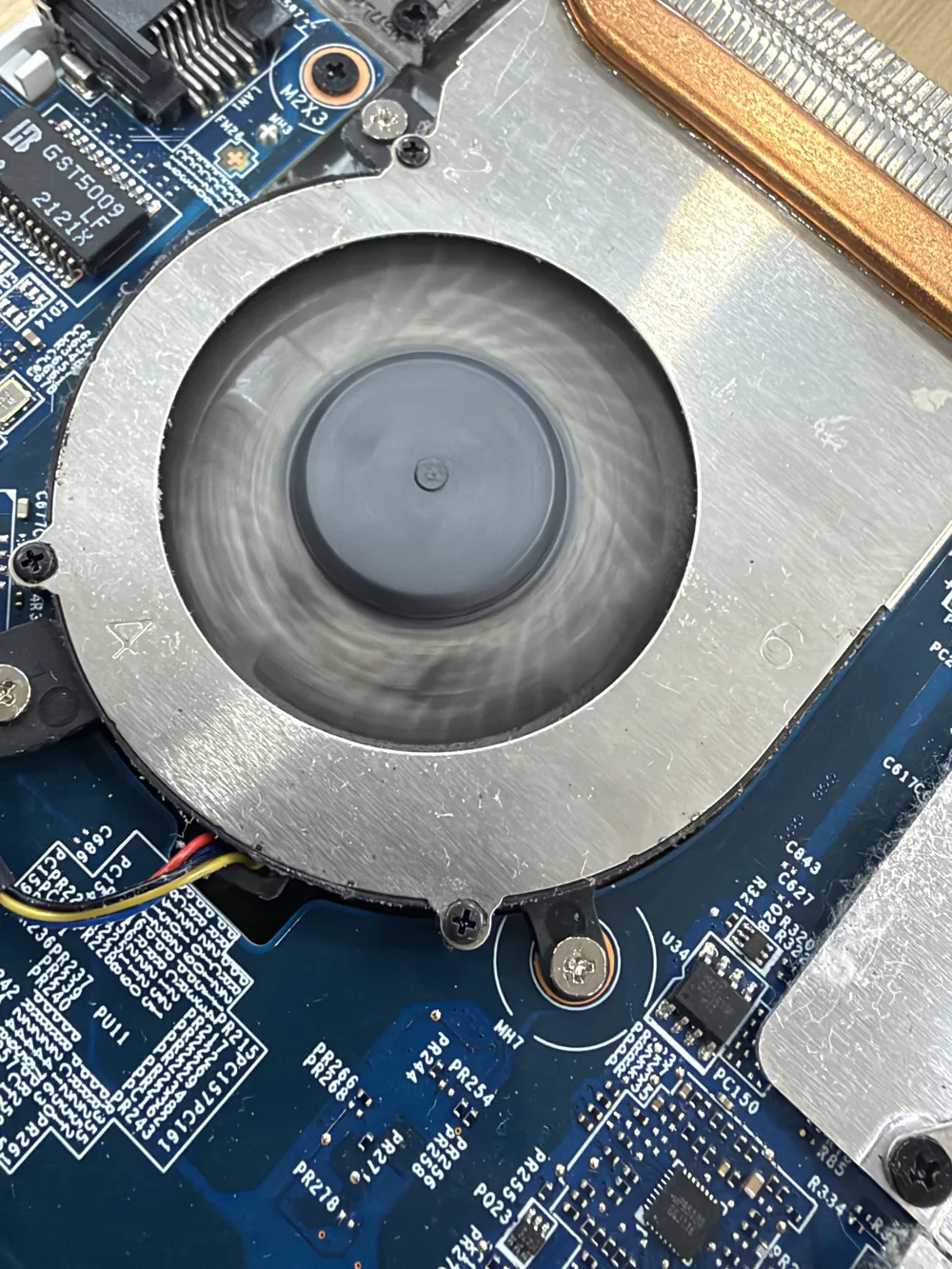
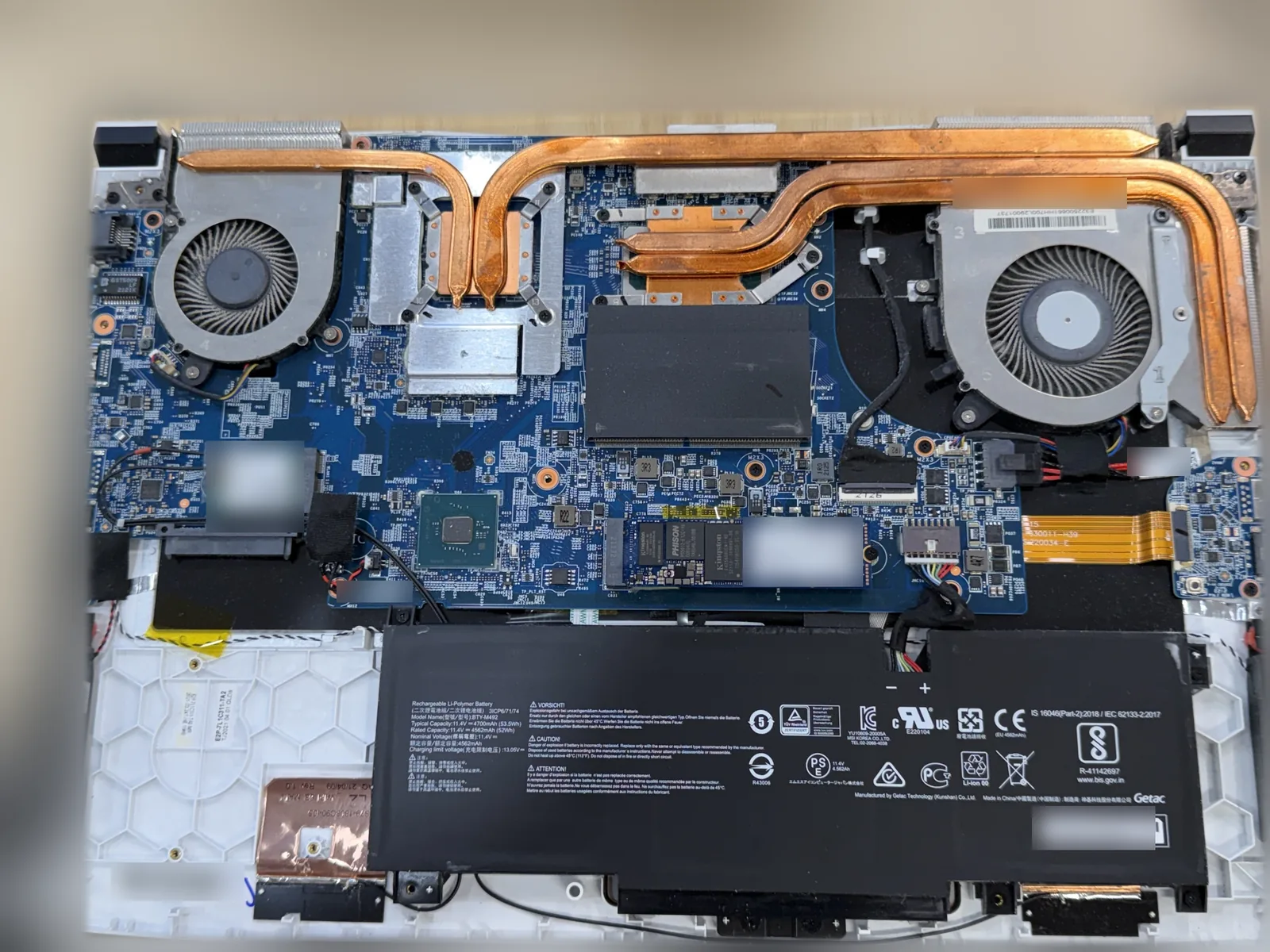
Why the keyboard matters on this laptop
Because the keyboard was already acting up, there is a real chance it is part of the problem. On this MSI, the power button is built into the keyboard, so we cannot bypass the keyboard entirely. A faulty keyboard can send a stray command at power-on that keeps the laptop from bringing up video. Some laptops have pads on the motherboard we can short to start the system without the power button, which would let us see whether the rest of the laptop works. Unfortunately, this one does not.
What the condition of the laptop told us
When a laptop arrives and will not turn on, its condition tells a lot of the story. This one came with a power adapter wrapped in electrical tape, with bare wire showing underneath. A damaged adapter can spark or short, and that can damage the laptop along the way. Add an earlier liquid spill, and it is very possible something happened at a level you cannot see with the naked eye, even though the board looks clean. The laptop had also been worked on at home before it reached us, which can add its own damage.
Our recommendation
With all of that together, we recommended replacing the laptop rather than putting more money into it. For a laptop like this, the value just is not there. The most important thing now is the customer's files, so we recommended a data backup and transfer to get their data off before moving on.
Parts on This Job
The brands and models in this laptop.
| Part | Brand / model | What we found |
|---|---|---|
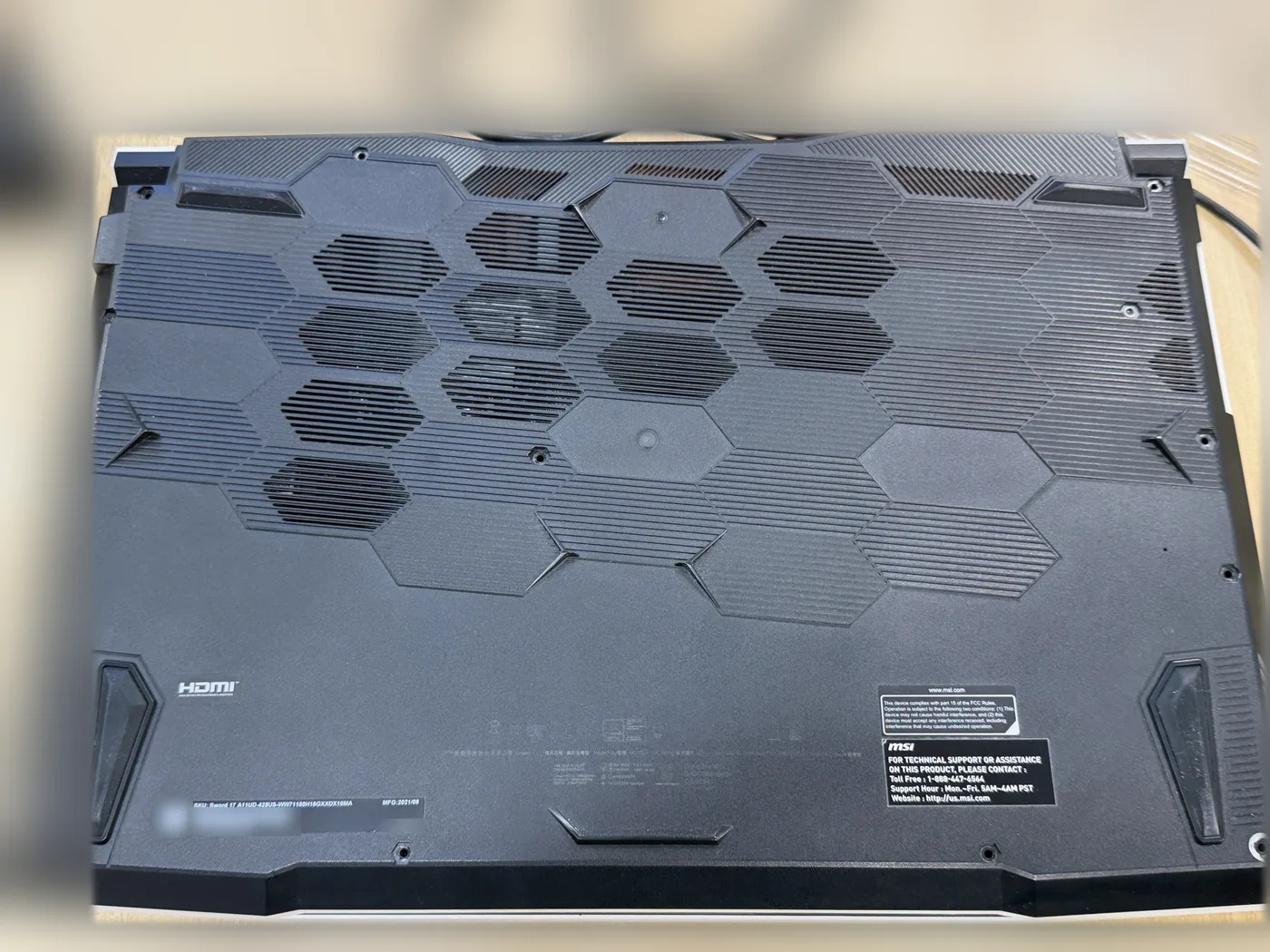
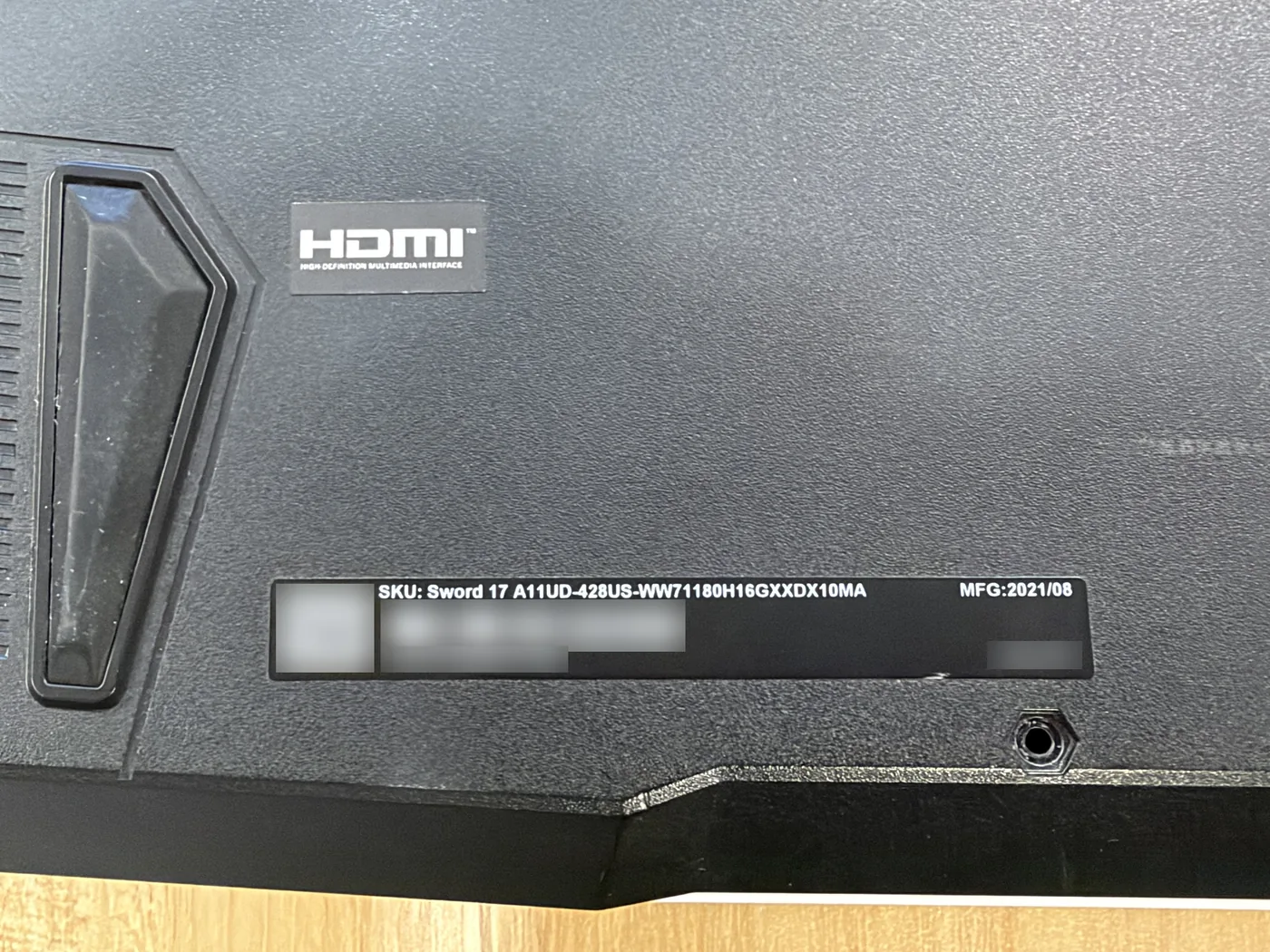
| Laptop | MSI Sword 17 A11UD (2021) | Keyboard lights, no display, shuts off after about 30 seconds |
| Processor | Intel Core i7, 11th gen | Part of the motherboard |
| Graphics | NVIDIA GeForce RTX | Part of the motherboard |
| Memory | Laptop DDR4 (2 sticks) | Swapped with known-good memory; no change |
| Storage | Kingston NVMe SSD | Data backup recommended |
| Battery | MSI BTY-M492 | Disconnected for a full power reset; no change |
| Keyboard | Built-in keyboard with integrated power button | Acting up before drop-off; likely contributor |
| Power adapter | Customer's adapter | Taped with electrical tape, bare wire exposed |
Laptop Won't Turn On? Bring It to Dave's in Somerville, NJ
We will test it properly, give you an honest answer on repair versus replace, and make sure your files are safe. Call to schedule or send a repair request.
📞 (908) 428-9558