On Our Bench: Overheating Custom PC With Broken Fans and a Clogged Radiator (NJ)
A real repair from the bench at Dave's Computers in Somerville, NJ. A custom-built PC came in running hot, the front panel fans were broken, and the fans on the liquid cooler radiator could barely turn. Here is what we found and what we did.
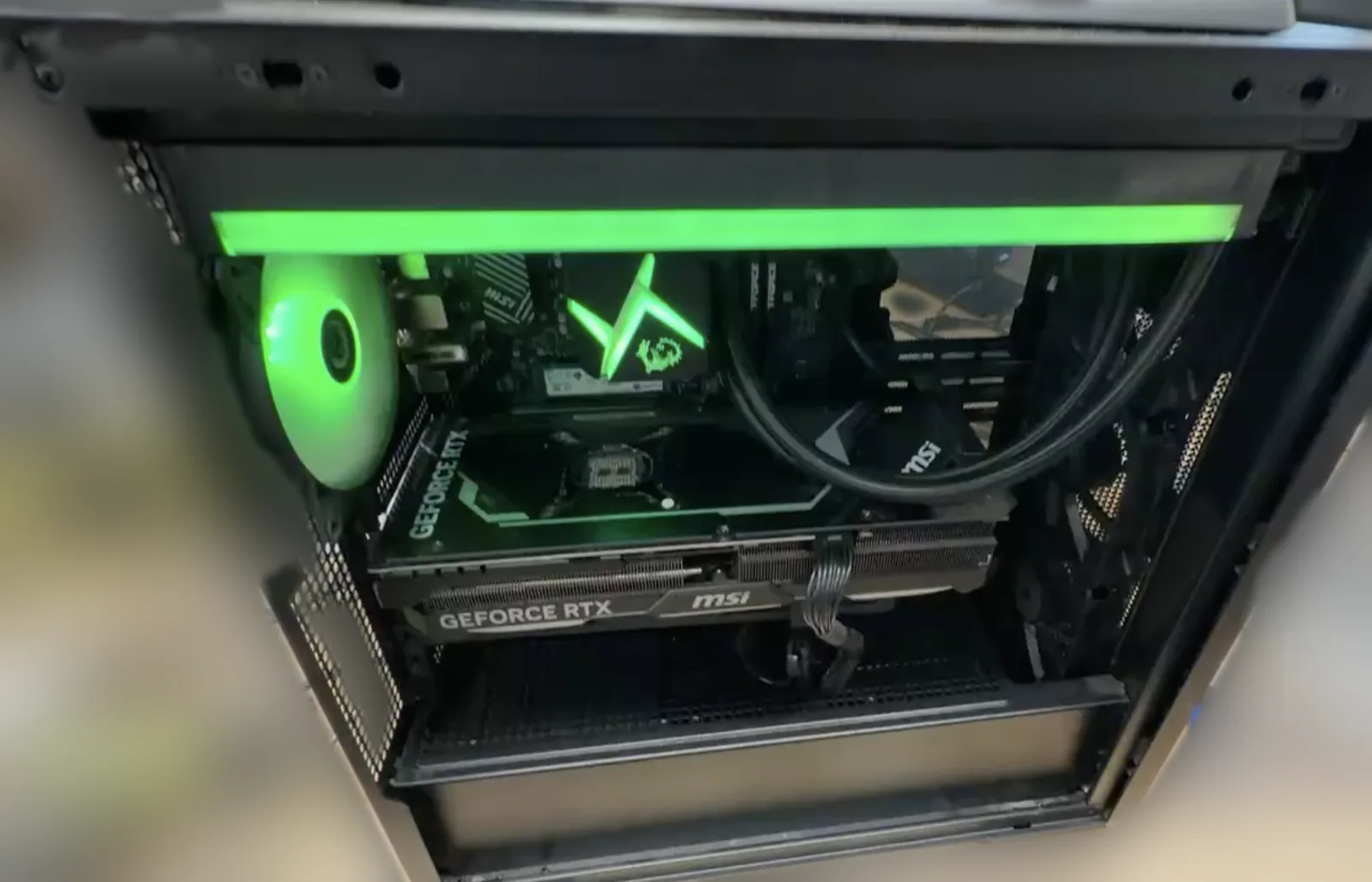
What came in
A customer brought in their custom gaming PC because it was overheating. Two problems stood out right away: the fans on the front panel were broken, and the system could not move enough air to keep the parts cool.
What we found
The front intake fans were done and needed to be replaced. The bigger surprise was the liquid cooler. The fans mounted on the radiator were so badly caked with buildup, on the blades and around the fan ring, that they could barely spin. A liquid cooler is only as good as the air pushed through its radiator, so with those fans choked off, the CPU heat had nowhere to go.
What we did
- Replaced the front panel fans with quality Corsair RS120 fans to restore proper intake airflow. (See our desktop case fan replacement service.)
- Cleaned the radiator fans by hand with a wire brush, working the buildup off the fan blades and out of the fan ring until they spun freely again.
- Put it back together and checked it with the system running, fans spinning and lighting working.
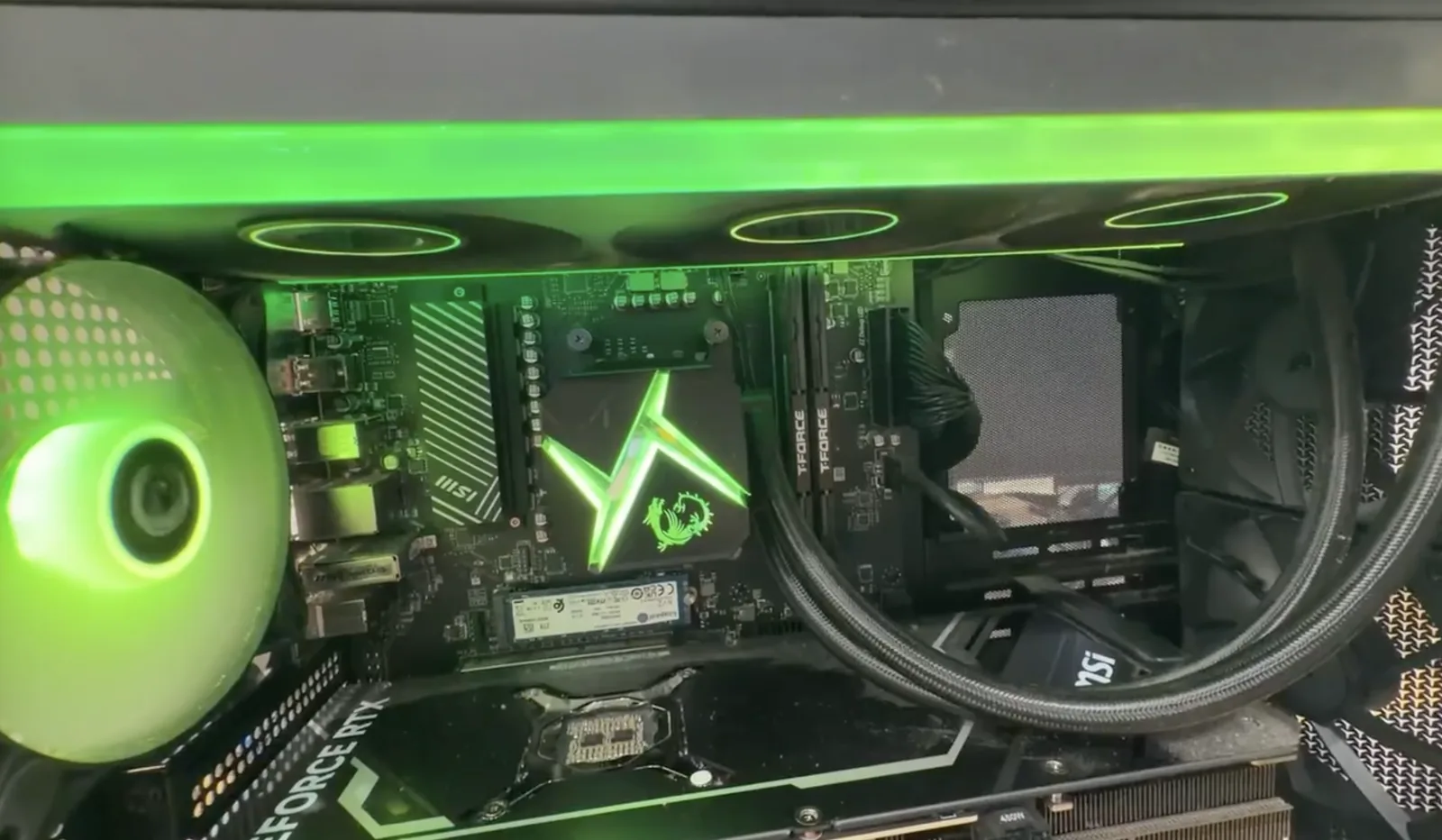
The result
Overall it came out nicely. The fans move air the way they are supposed to again, and the PC went home with working cooling instead of a slow cook.
Running hot or hearing fans struggle? Custom-built PCs start with our custom PC diagnostic, and you can see everything we do for these machines on our custom PC repair and upgrades page.
Parts on This Job
The brands and models we could identify in this build.
| Part | Brand / model | What we did |
|---|---|---|
| Front case fans | Corsair RS120 | Installed to replace the broken front panel fans |
| Liquid cooler radiator fans | Original fans on the CPU liquid cooler | Cleaned by hand with a wire brush until they spun freely |
| Motherboard | MSI | No work needed |
| Graphics card | MSI GeForce RTX | No work needed |
| Memory | TEAMGROUP T-FORCE (2 sticks) | No work needed |
| Storage | Kingston M.2 NVMe SSD | No work needed |
PC Running Hot? Bring It to Dave's in Somerville, NJ
Drop it off at our shop and we will find out why it is overheating before anything gets replaced. Call to schedule or send a repair request.
📞 (908) 428-9558